
Your needs, this model
Does it fit your priorities?
Can I add a new photo without Internet service?
Yes for the documented nearby routes. The exact-page-linked manual says the frame begins a slideshow when an SD/SDHC card is inserted, and its photo menu selects SD or USB. It also describes copying files from a PC or Mac to the built-in memory over the USB cable. This is not remote sharing, and no offline setup test was performed.
Explore this need in the finder →Is the display at least 14 inches, and will that tell me whether it fits a shelf?
Aluratek lists a 14-inch display diagonal, so it meets an inclusive 14-inch screen-minimum setting. That number is not the outside body width or height: the manufacturer lists 16.25 × 1.25 × 11.25 inches without naming the axes, and a stand or wall-mount layout needs separate clearance checks.
Explore this need in the finder →Can relatives in another home send pictures to this model?
Not through a documented remote route in the sources reviewed. Aluratek describes local USB/SD playback and PC/Mac copying to internal memory; the exact page and linked manual do not describe Wi-Fi, an app, frame e-mail or remote contributors. Choose a reviewed connected frame instead if distant sharing is essential.
Explore this need in the finder →Source-based review · checked 29 October 2026 · no hands-on testing claimed
The Aluratek ADMPF214FB takes the simpler route through the digital-frame category: plug it into the included power adapter, provide pictures by card, USB drive or a computer connection, then let it cycle a local slideshow. Its 14-inch, 1366 × 768 display has a wide 16:9 shape, 4GB of listed internal memory and basic media-player features. The verified distinction is not app polish or cloud convenience. It is that the documented update workflow stays nearby and does not depend on Internet service.
This is a source-based assessment, not a claim of ownership, testing or measurement. The exact U.S. page and one-option record identify ADMPF214FB; the page-linked English manual is named for that code, but its cover prints ADMPF214B without the final F. Its 14-inch, 4GB frame and local controls align, but I preserve the printed model-code discrepancy.
Best suited to a local slideshow, not remote family sharing
The strongest reason to choose the ADMPF214FB is that it does not turn a simple display into an account or network project. The current manufacturer page lists SD-family cards and USB flash drives for direct viewing. In the linked manual, inserting an SD/SDHC card starts a slideshow, while the Photo menu lets you select SD or USB as the source. The same manual describes a second path: connect the frame to a PC or Mac with the supplied USB cable and copy files to its internal memory, which appears as a removable drive. That is practical for a family that can prepare a card or load pictures at the frame; it is not a way for an out-of-town relative to push a photo remotely.
Nothing in the checked page or manual documents Wi-Fi, a frame e-mail address, an app, cloud delivery or invited contributors. That is a meaningful limitation if relatives need to contribute from elsewhere. Aluratek's Wi-Fi models solve a different task: for example, the 10.1-inch AWS210F documents an app/email route alongside local media, while ASHDPWM8S separates Frametime sharing from USB/SD playback. Those connected choices still need power, network and account checks; the ADMPF214FB's local routine simply avoids that connected workflow.
Wide 14-inch panel with straightforward placement limits
Aluratek lists a 14-inch TFT LCD at 1366 × 768 pixels and 16:9. That gives the frame a familiar widescreen shape for landscape photos and short clips. It is less forgiving of tall phone portraits than a physically rotatable frame: the manual's remote has a Rotate button, but that is an image-display control, not evidence that the panel or stand supports portrait placement. The supplied literature supports landscape use; it does not establish a portrait stand position. If most of the library is vertical, consider an actually dual-orientation model rather than treating a rotate command as a second physical orientation.
Aluratek lists outside dimensions of 16.25 × 1.25 × 11.25 inches and a weight of 3.2 pounds, but the page does not label the measurement axes. It calls the frame VESA-compatible and wall-mountable, and lists a frame stand, yet does not identify a VESA hole pattern, bracket, screw kit or portrait wall layout. Measure the intended shelf or wall and verify the exact mount and adapter package before installation. The display diagonal is only the active panel, not the outer frame, stand footprint or cable clearance.
Basic media and clock features broaden the use
Aluratek lists video and audio playback, slideshow transitions, background music, built-in speakers, clock, calendar, alarm and an automatic on/off timer; the manual shows controls for slideshow interval, repeat, date, time and alarm. Those basics could suit a kitchen or simple signage role. The remote and push-button menus avoid a touchscreen dependency, but the frame is not a tablet or live-information display. The page calls it VESA-compatible, not a complete wall-install kit, and a FAQ says it lacks a motion sensor; do not infer wake-on-entry from its timer.
Storage and card details need a little caution
The listed 4GB is not all necessarily free for pictures. Aluratek's FAQ estimates 500-plus images if files are not too large and recommends scaling to 1600 × 1200; that is maker guidance, not a capacity test. The page says SD/SDHC/SDXC up to 32GB, while the linked manual names SD/SDHC. Confirm SDXC compatibility with the seller and keep originals elsewhere rather than treating the frame as backup storage.
The current U.S. page lists a stand, remote, USB 2.0 cable, power adapter and instruction manual. The linked manual's older package list instead names the adapter, remote, USB cable, stand and registration card. Neither list is an inspection of a box from a third-party seller, and the manual's code discrepancy makes exact-seller confirmation worthwhile. A used or open-box unit also deserves an adapter and remote check; no included SD card is listed.
Verdict: a useful fit when nearby updates are enough
The ADMPF214FB fits a wide 14-inch local-display routine when removable media or computer loading is enough. It is a weaker choice when distant contributors, documented portrait placement, sensor wake, confirmed SDXC support or included wall hardware matter. The manufacturer record showed available=true on the dated check, not a promise of later stock or a third-party package. Confirm the exact code, adapter, card type and mounting details.
Sources and evidence boundary
- Aluratek ADMPF214FB exact U.S. product page — display, memory, media, dimensions, listed package and manufacturer feature claims.
- English manual linked from that page — local SD/USB operation, computer copying, controls and an older package list; its cover omits the final F in the model code.
- CPSC exact-name query — one narrow name search; an empty response is not a complete safety finding.
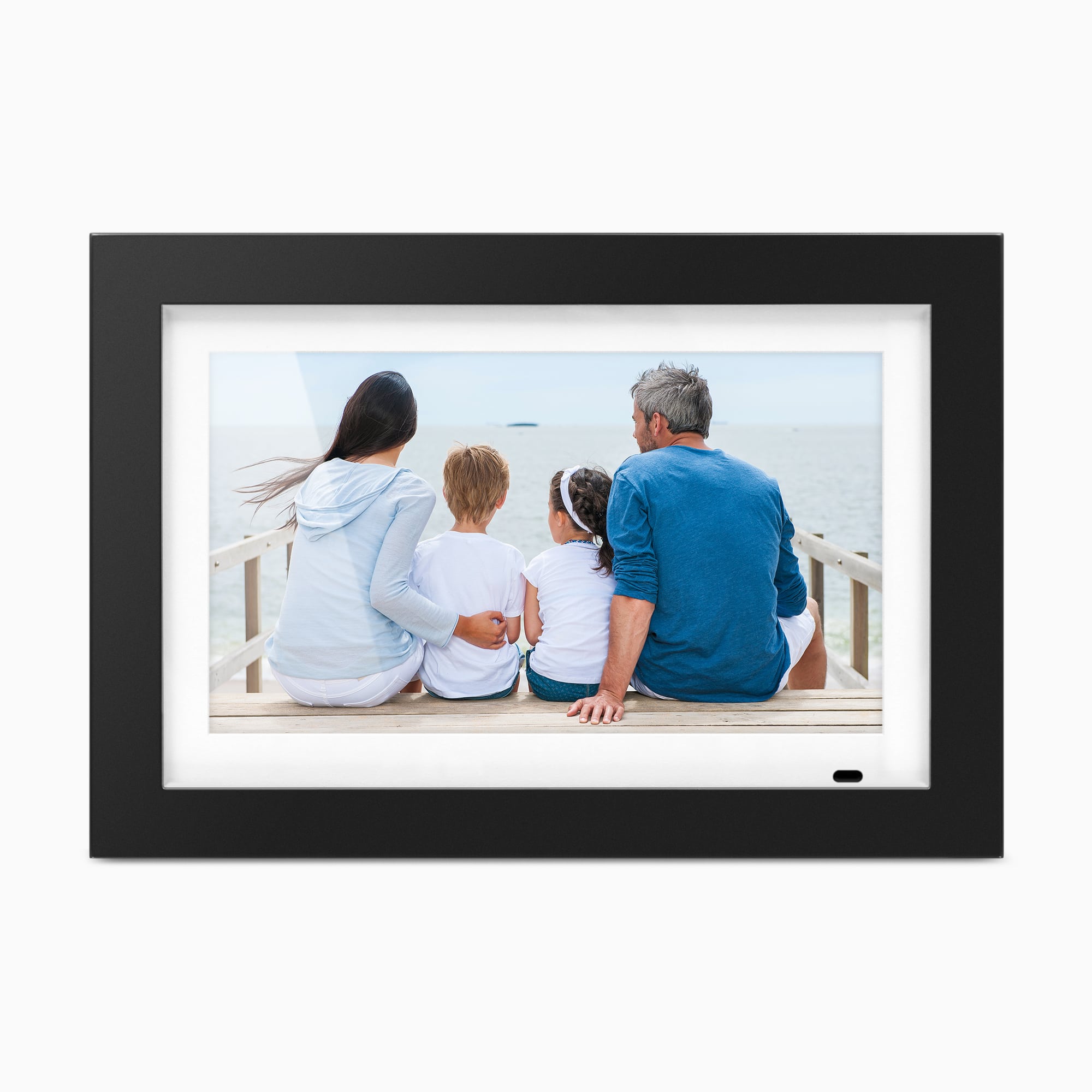
The official image is a promotional rendering. No independent display, compatibility, reliability or safety testing is claimed.
Key specifications
Key details at a glance
| Display | 14-inch TFT true-color LCD |
|---|---|
| Display diagonal | 14 in |
| Aspect ratio | 16:9 |
| Supported orientations | landscape |
| Wi-Fi required | No |
| Required frame subscription | No |
| Manufacturer storage claim | Aluratek lists 4GB internal memory, direct USB/SD-family playback, video and audio files, and background-music slideshows. User-available internal storage and the complete supported file-format list are not established. Its FAQ says 500-plus photos may fit if not too large and recommends scaling to 1600 × 1200; that is manufacturer guidance, not a tested count. |
| Listed frame dimensions | 16.25 × 1.25 × 11.25 in (41 × 3.18 × 28.5 cm); Aluratek does not label the dimension axes |
| Listed weight | 3.2 lb |
Use the exact model’s instructions for operating limits, supplied equipment and version differences.
Sources for this review
Sources for this assessment
- Aluratek ADMPF214FB exact U.S. product page
- Aluratek ADMPF214FB one-option Shopify product record
- English ADMPF214FB manual linked from its exact Aluratek U.S. product page; the PDF cover prints model ADMPF214B (without the final F)
- U.S. CPSC exact-name ADMPF214FB Recall Retrieval API query (narrow search only)
- Aluratek ADMPF214FB exact-page main product image

Check the frame against your actual setup
Compare orientation, connection needs and placement before choosing a model.