
Your needs, this model
Does it fit your priorities?
Can it hang without an AC cord while still showing a photo?
Aluratek says no AC power is required for display and claims up to about two years between charges when the frame refreshes weekly (about one year with daily refresh). Those are manufacturer estimates, and the included USB-C cable is for charging. A cord-free location still needs Wi-Fi and the phone app when new photos are sent.
Explore this need in the finder →Can another family member send a new photo over Wi-Fi?
The documented route lets a phone-gallery photo sync through the Aluratek eFrame app and the manufacturer describes remote updating. The exact guide does not document invitations, email-to-frame, or a multi-user contributor list; verify those details if remote relatives must upload independently.
Explore this need in the finder →Can it receive new photos when Internet service is unavailable?
That is not established. Setup and updates use the eFrame app and Wi-Fi, but the reviewed exact sources do not say whether a local-only Wi-Fi path works without Internet. No USB/SD photo-import route is documented, so do not choose it as a confirmed offline-update frame.
Explore this need in the finder →Does the manufacturer confirm that no recurring frame subscription is required?
The exact page, press release, feature article and guide reviewed here do not say whether a subscription is required. The app's free art library does not answer the fee question; confirm current terms before relying on a no-subscription requirement.
Explore this need in the finder →Is this a good replacement for a large rotating photo album?
Aluratek says it stores up to 10 pictures and displays one at a time. The side button advances the image and the app can schedule changes, but the page does not state a larger cloud library or exact schedule range. Treat it as a small, deliberate art/photo rotation rather than a large album unless the seller confirms otherwise.
Will the ePaper screen be easy to see in a dim room?
Aluratek describes a glare-free surface and says the panel does not backlight its image. That combination suggests checking the room's ambient light before choosing it for a dark corner or evening viewing; no independent brightness or reflection test was performed.
Explore this need in the finder →Research-based view: The AEINK13F is a specialized frame for a simple job: show a paper-like digital image without leaving an AC cord on the wall. It is not a conventional bright, continuously cycling family album. Aluratek documents personal-photo updates through its eFrame phone app, but leaves sharing and service terms open.
A reflective art frame with a small photo queue
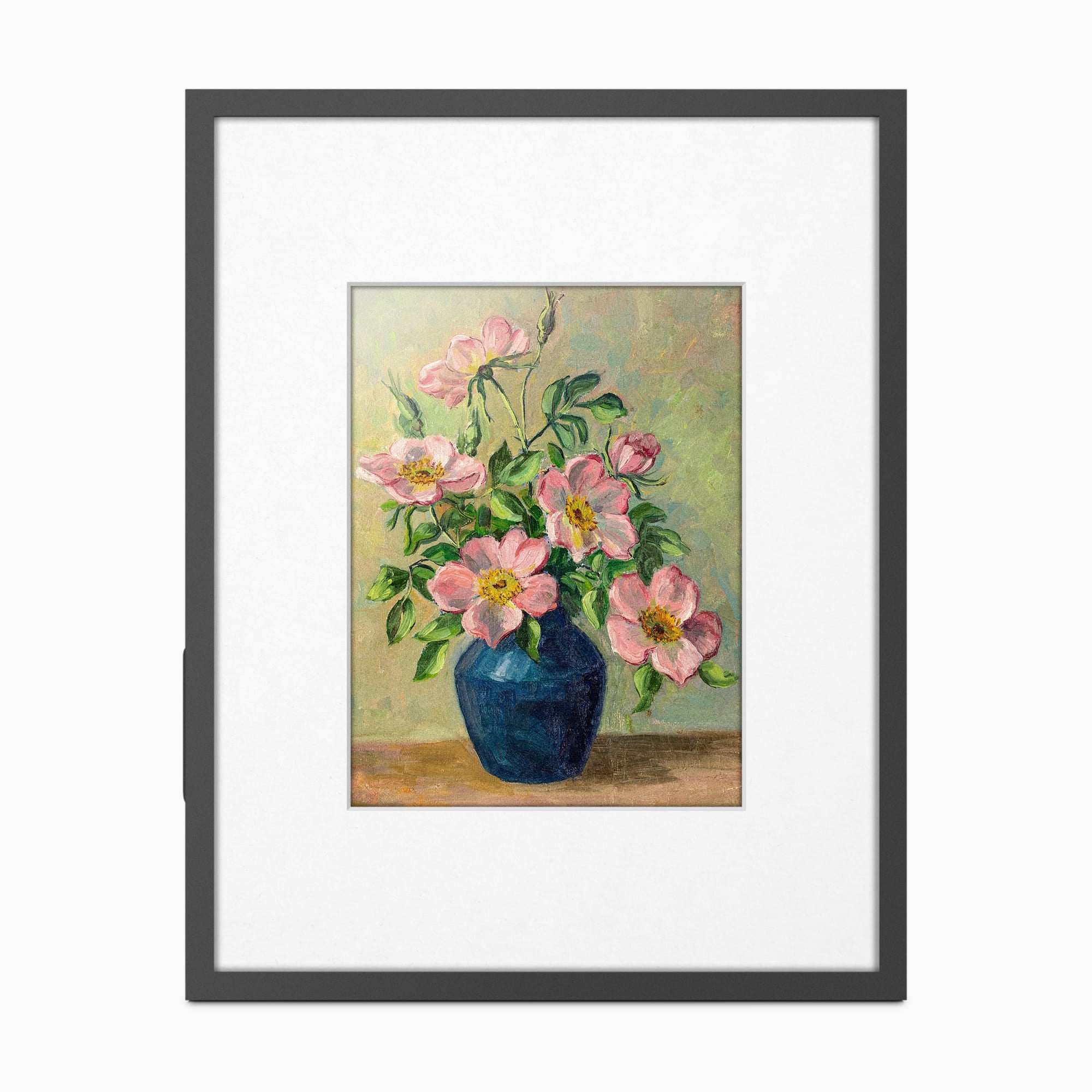
Aluratek lists a 13.3-inch Spectra-6 color ePaper display, 1200 × 1600 pixels, and a 4:3 format. The company says the image has no backlight and describes the surface as glare-free. That suggests a different room-light decision from an illuminated LCD: the image is meant to look like a print, not to light a dark room. This is an inference from the display design, not a brightness or reflection test. If the frame will be viewed at night or in a shaded corner, consider the room's ambient light before treating the maker's glare-free claim as a universal visibility guarantee. The capacity is unusually modest for a Wi-Fi frame. Aluratek says the panel stores up to 10 pictures but displays only one at a time. The phone app can schedule an image at a specific time or interval, while a side button advances to the next picture. The reviewed sources do not give a larger cloud album limit, supported file formats, or the range of scheduling intervals. This is better understood as a small, deliberate rotation—perhaps a few family photos, a favorite artwork, or signage—than a “load the whole camera roll and forget it” slideshow. For a local-media alternative, the 10-inch mains-powered ASHDPWM10S is a separate LCD model with a USB/SD-without-Wi-Fi guide; do not transfer its card support to AEINK13F. Here USB-C is documented as charging, not photo import.App updates are documented; family-sharing details are not
The AEINK13F does display personal photos, despite “Digital Art” in its storefront name. Aluratek's exact guide walks through choosing a picture from the phone's gallery, optionally rotating or cropping it, and syncing it to the frame in the eFrame app. The setup instructions call for the app, an eFrame account, and a router password; the product page specifies 2.4-GHz Wi-Fi and also lists Bluetooth. A related Aluratek article describes remote content management through the app. Taken together, those sources support an app-and-Wi-Fi update route. They do not settle every version of “sharing,” however. The model-specific guide does not explain invitation controls, multiple contributors, email-to-frame delivery, or whether the app's Wi-Fi route needs Internet access as well as a router. Nor does it say that photos can be imported from a USB stick or SD card. If the essential task is sending a surprise photo to a relative's frame from another city, ask Aluratek or the seller to confirm how a second user is authorized and what network connection the app requires. I would not count this model as a confirmed offline-update choice or assume there is no recurring service fee: the exact materials reviewed here do not answer either question.Cordless placement, with refresh limits to respect
The useful differentiator is power. The product page says no AC power is needed while the frame displays, and Aluratek claims up to about a year between charges when the image refreshes daily or up to about two years at a weekly refresh. Its FAQ says an unchanged image may remain visible without charging. Those are maker estimates tied to a specific schedule, not measured battery life or a guarantee for frequent changes. A USB-C charging cable is listed, but the exact sources do not explain battery replacement or service life. The cordless design removes the display's wall lead; it does not remove Wi-Fi and app setup when new photos are sent. The product is documented for portrait or landscape placement, with mounting kits included, and the digital panel can be removed from its frame for use on the included acrylic stand. That gives it more placement flexibility than a model whose support is only for a tabletop. Still, check the actual wall surface, mounting points, stand footprint and nearby route for charging. The product page lists an outside size of 14.625 × 1 × 18.5 inches but does not identify axis order. It also prints both 4.85 pounds and 6.7 kilograms in the same specification line; those weights do not convert to one another, so neither should be treated as settled for a weight-sensitive shelf or wall.Who should shortlist it—and what to verify
Consider the AEINK13F if your priority is a large, cord-free, paper-like still image that can be changed from a phone and mounted vertically or horizontally. Its no-backlight display and 10-picture limit make the use case narrower than an LCD slideshow, but a static artwork or a small family rotation may fit it well. If dim-room visibility is central, compare Aura Ink's separate review: Aura lists an automatic front light on its own cordless 13.3-inch ePaper frame, while the AEINK13F's exact page says its image is not backlit. The models' app, storage, battery and service claims are not interchangeable. Look elsewhere if you need many stored photos, a verified invitation system for remote relatives, local card updates, a documented no-subscription promise, or reliable visibility in low ambient light. The exact manufacturer product record contains one Default Title option with model code AEINK13F, but a retailer's package is not proven by that record. Aluratek's product page describes a black wood frame and white matte; its Quick Start Guide lists a black matte, while a related manufacturer article says white and black mattes are included. Before choosing a seller, check that the exact model code, matte pieces, charging cable, both mounting kits and acrylic stand match the offer. No unit was purchased, owned, installed or tested for this desk assessment.Key specifications
Key details at a glance
| Display | Spectra-6 color ePaper |
|---|---|
| Display diagonal | 13.3 in |
| Aspect ratio | 4:3 |
| Supported orientations | portrait / landscape |
| Anti-glare surface stated | Yes |
| Wi-Fi required | Yes |
| Wi-Fi bands listed | 2.4 GHz |
Use the exact model’s instructions for operating limits, supplied equipment and version differences.
Sources for this review
Sources for this assessment
- Aluratek AEINK13F exact U.S. product page
- Aluratek AEINK13F exact product record and single SKU option
- Aluratek AEINK13F Quick Start Guide (English/French)
- Aluratek AEINK13F launch announcement
- Aluratek AEINK13F ePaper feature and package overview
- CPSC exact-name AEINK13F recall query
- Aluratek AEINK13F official main image

Check the frame against your actual setup
Compare orientation, connection needs and placement before choosing a model.