
Your needs, this model
Does it fit your priorities?
Can family members send pictures from another home without a required monthly frame fee?
Aluratek says the Frametime smartphone app can send photos and videos over an internet connection and that no subscription is required. The linked guide still requires Wi-Fi setup, an app account and device sharing for other contributors. That remote route is separate from local USB/SD viewing; future service terms and uptime are not guaranteed.
Explore this need in the finder →Can a new picture be shown when the frame is not connected to Wi-Fi?
Yes for the documented nearby-media route: the page-linked Frametime guide says to select USB/SD in the frame menu to show pictures without connecting to Wi-Fi. It does not promise that every initial-setup step, app feature or cloud image works offline, and it is not remote sharing during an outage.
Explore this need in the finder →What should I check before choosing it for a 10-inch landscape shelf?
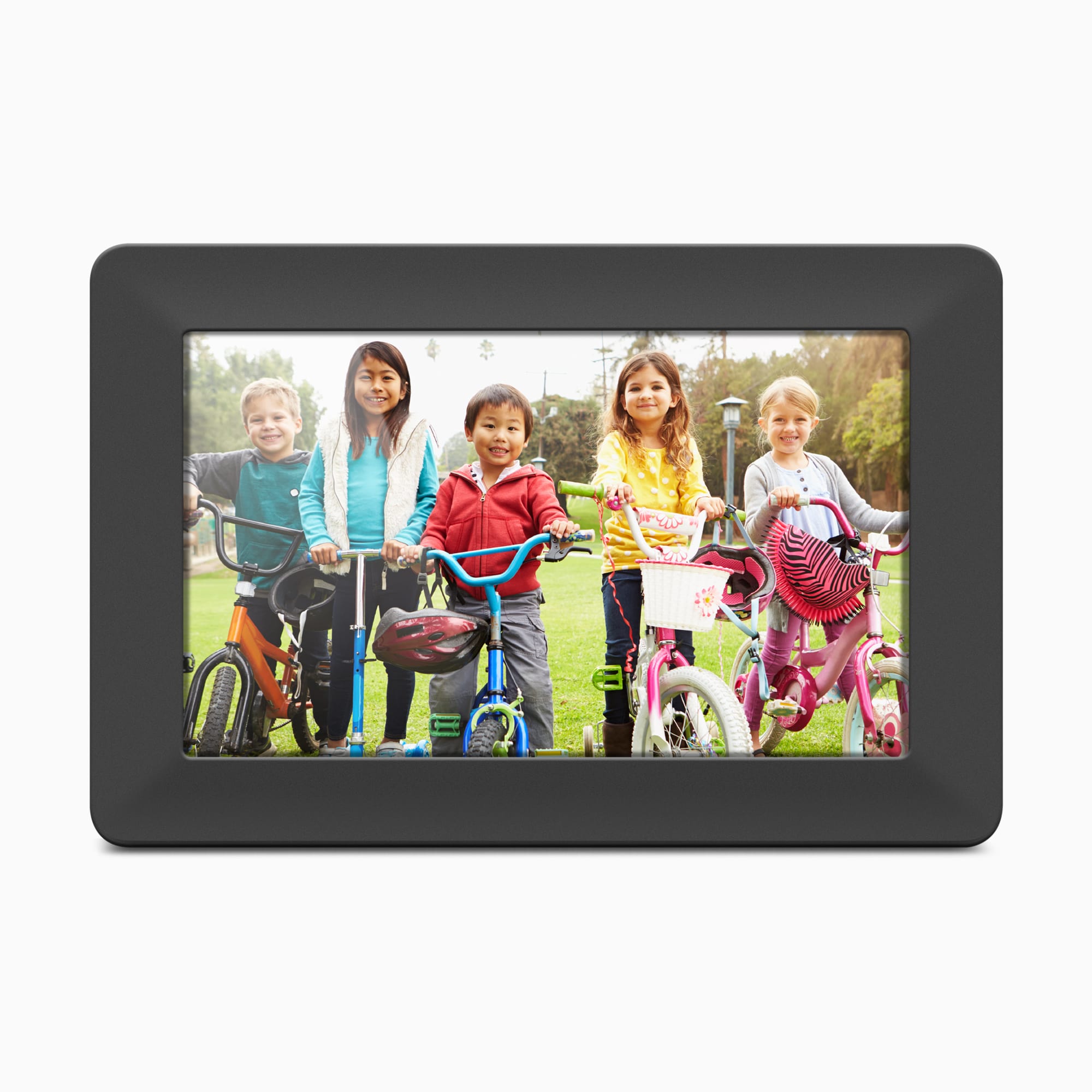
The manufacturer lists a 10-inch, 16:10 IPS touchscreen and the exact product image shows the frame in landscape. Its page-linked guide does not document a portrait stand or automatic rotation, so treat it as landscape-only for this shortlist. The listed outside dimensions have no axis labels; measure the actual spot and cable route and verify the seller's stand and power-adapter package.
Explore this need in the finder →The Aluratek ASHDPWM10S is a distinct 10-inch Wi-Fi photo frame, not the related 10.1-inch AWS210F or the calendar-oriented AWFC models. Aluratek's current U.S. page identifies this model and its single-option product record carries SKU ASHDPWM10S. The page showed it out of stock on October 29, 2026, so this review is a product assessment rather than a statement that a particular retailer has a unit available.
Compact landscape display, with one specification to verify
Aluratek's product title, highlights, feature list and technical line describe a 10-inch IPS touchscreen at 1280 × 800 pixels and a 16:10 aspect ratio. A separate FAQ answer embedded lower on that same page says 1024 × 600. The repeated main specification is consistent, but the unresolved FAQ conflict is worth checking if resolution is a deciding feature; this review does not claim an independent panel measurement. The exact main image and the listed screen proportions show a landscape arrangement. The page-linked guide identifies a stand but does not explain a portrait orientation or auto-rotation, so the finder treats landscape as supported and does not count portrait placement as documented.
The product page lists outside dimensions as 10.8 × 1.5 × 7.5 inches and weight at 1.2 pounds, without naming the order of the axes. Those numbers are not a fit template for a shelf. Check the exact unit, its stand depth, how its cable will route and the viewing angle where it will live rather than treating the panel diagonal as its body width.
Two distinct ways to add pictures
The practical distinction is unusually clear in Aluratek's one-page guide linked from this model page: it says pictures on USB or SD media can be displayed without connecting to Wi-Fi by selecting USB/SD from the frame's main menu. That supports a nearby-person update path when internet delivery is not available. The guide does not establish every first-boot screen, every menu function or what happens to cloud content in an outage, and no offline use was tested. It also does not say that a distant relative can upload through the app while the frame has no connection.
For family contributions from elsewhere, the guide describes adding the frame to the Frametime smartphone app, registering an account, connecting the frame to Wi-Fi and sending selected photos. It also explains sharing the device with another Frametime user via the email address or phone number tied to that person's app account. This is an Internet-dependent app workflow, not a direct frame-email address. Aluratek says no subscription is required for photo sharing; that statement does not remove the need for a compatible network and account or promise that the app service will remain unchanged.
These local and remote routes can coexist on the same device, but they solve different household needs. A nearby relative with a card or USB drive can choose a local picture; a distant contributor needs the networked app route. If a gift recipient should never need an account or Wi-Fi, confirm what the exact frame does on first setup before relying on the local path alone.
Storage, media and included equipment
The maker lists 8GB of built-in memory and support for photos, video and audio, plus integrated speakers for background music. It does not state how much of that memory is available to the owner, what the precise supported file formats are or how much space video consumes. The card details are inconsistent: one feature line says SD and SDHC up to 32GB, while the highlight block also mentions SDXC. Do not assume a particular card capacity or format will work solely from the broad wording; check the exact manual and package before setting up a large archive. The page lists USB 2.0 and says PC/Mac transfer to the internal memory is supported, but the reviewed guide does not specify the transfer protocol or a computer-to-frame cable procedure.
Aluratek lists a stand, USB 2.0 cable, power adapter and manual in the box, and its guide says to plug the adapter into an outlet. That is a manufacturer-listed package, not a check of a delivered item. The page's FAQ describes VESA wall-mount compatibility, but it does not identify included bracket hardware or a particular wall-mount kit. If using a seller other than the manufacturer, match the model code and confirm the stand, adapter and any desired mounting pieces in that offer.
How it compares and who should keep looking
Within Aluratek's range, the ASHDPWM10S is a simpler 10-inch landscape choice with a documented local USB/SD route and a separate Frametime app path. The AWS210F is a neighboring photo-focused model with a slightly larger 10.1-inch panel, 16GB listed storage and its own manual-documented rotation and media details; those AWS210F features should not be transferred to this model. AWFC10F is different again: its reviewed page describes a calendar/photo hybrid rather than this photo-frame workflow. Compare the exact SKU and guide for the model actually offered.
This frame makes the most sense to investigate if you want a small landscape display, value the option of supplying a local USB/SD picture without Wi-Fi, or need a low-complexity app-sharing route whose maker says has no required frame subscription. Keep looking if portrait placement is essential, if you require a guaranteed resolution with no conflicting manufacturer answer, if precise card compatibility or free memory is critical, or if the recipient cannot use an outlet. No anti-glare treatment, sensor, network band, current app uptime or wall-hardware package is established here.
The assessment is based on Aluratek's exact U.S. product page and single-option record, its page-linked English guide, the official product image and one narrow exact-name CPSC query. It makes no claim of ownership, hands-on use, testing, measured performance, price, customer experience or future stock. The manufacturer record showed the frame out of stock when checked on October 29, 2026; verify current availability, seller condition, return terms and warranty separately.
Key specifications
Key details at a glance
| Display | 10-inch IPS LCD touchscreen |
|---|---|
| Display diagonal | 10 in |
| Aspect ratio | 16:10 |
| Supported orientations | landscape |
| Required frame subscription | No |
| Manufacturer storage claim | Aluratek lists 8GB internal memory, photos/videos, integrated speakers and background music. Its page says SD/SDHC support up to 32GB in one detail list, while a highlights block also mentions SDXC; user-available internal space, USB capacity and exact media formats are not established. |
| Listed frame dimensions | 10.8 × 1.5 × 7.5 in (27.5 × 3.5 × 19 cm); manufacturer does not label axis order. |
| Listed weight | 1.2 lb |
Use the exact model’s instructions for operating limits, supplied equipment and version differences.
Sources for this review
Sources for this assessment
- Aluratek ASHDPWM10S exact U.S. product page
- Aluratek ASHDPWM10S one-option Shopify product record
- English Wi-Fi Frame / Frametime guide linked from the exact ASHDPWM10S page; its cover identifies ASHDPWM10S and bears 2022 copyright
- U.S. CPSC exact-name ASHDPWM10S Recall Retrieval API query (narrow search only)
- Aluratek ASHDPWM10S exact-page main product image

Check the frame against your actual setup
Compare orientation, connection needs and placement before choosing a model.