
Your needs, this model
Does it fit your priorities?
Can a relative send new pictures from another home?
Yes, Aluratek documents photo/video sending through the Smart Frame app and a frame-specific email address. The linked manual requires an account, frame binding and acceptance of new user requests; remote contributions depend on connected Wi-Fi and Internet, and the maker's no-subscription statement is not a service-uptime promise.
Explore this need in the finder →Can I add a local photo when Internet delivery is unavailable?
The exact manual identifies a microSD slot and USB/SD/internal-media folders, so a person can supply local media directly rather than ask a remote sender to upload it. Aluratek's setup sequence first connects Wi-Fi, however, and the manual does not promise that initial setup or every menu runs without Internet; this is a documented local-media route, not a complete offline-operation guarantee.
Explore this need in the finder →How is the AWS210F different from Aluratek's 10.1-inch eCalendar frame?
The AWS210F is a photo-focused model with a listed 16GB memory and explicit USB/SD/internal-media folders. The separate AWFC10F is a 10.1-inch calendar/photo hybrid whose own page lists 32GB and eCalendar planning; do not treat equal diagonal size as the same model or workflow. Both require mains power, and their product pages/manuals should be matched to the exact SKU.
Explore this need in the finder →A compact frame with both local and remote photo paths
The Aluratek AWS210F is a conventional photo-focused Wi-Fi frame, not the similarly sized AWFC10F household-calendar hybrid. Its 10.1-inch IPS touchscreen is listed at 1280 × 800 pixels and 16:10, with 16GB of built-in memory. The important distinction is the way pictures can reach it: Aluratek's 2026 manual describes local USB/SD and internal-memory folders as well as internet-connected app and frame-email sharing. That combination gives a household more than one documented update path, but it does not make remote delivery work during an Internet outage.
Check the panel, stand and shelf as one physical fit
The 10.1-inch diagonal suits a nearby desk, counter or bedside table better than a room where people need to read small details from across the space. The maker lists 1280 × 800 resolution and a 16:10 aspect ratio. That describes the panel, not how every portrait photo, panorama or caption will be framed: inspect a few representative pictures and look for a fit/fill control before preparing a large album. Aluratek also says the frame can be set landscape or portrait and that images auto-rotate to match its orientation. The stand is included in the maker's box list, but the exact seller's package still needs checking.
Aluratek lists the outside measurements as 7.2 × 1 × 10.4 inches and weight as 1.1 pounds. It does not assign axes to those three dimensions, so do not treat the first number as a verified width or use the list as a stand-depth measurement. Measure the shelf, clearance and outlet route for the actual orientation. The product page calls the model wall-mountable; the box list and linked manual establish a stand, power adapter and USB cable, not a particular wall bracket or included fasteners. Ask the seller for the exact mounting hardware if wall placement is essential.
Remote contributions require an app, an account and a network
For a relative sending a new photo from another home, the manual's procedure is more involved than joining Wi-Fi alone. The owner installs the Aluratek Smart Frame app, creates an account, binds the frame using its device information, and accepts user requests. The manual also describes a unique email address for the frame and lets the owner approve additional senders. These are useful documented choices for family sharing, but each remote contribution still relies on the frame being connected to Wi-Fi and the Internet, and on the app/account route remaining available.
Aluratek says this model does not require a subscription for photo sharing. That is separate from Internet access, a user account, current mobile-app compatibility and future service terms. The manual specifically warns readers to install Aluratek Smart Frame rather than an older Aluratek WiFi Frame app. Before gifting it, decide who will set up the account, pair the frame, invite contributors and keep recovery details. The “no subscription” wording is not a promise about account longevity or service uptime.
Local media is a real alternative, with a narrower promise
The exact manual shows a microSD slot and explains how the frame's album and slideshow menus use internal-memory and USB/SD-card folders. Aluratek's page lists microSD-family cards up to 32GB, in addition to the 16GB internal-memory claim. This makes the AWS210F a documented option when someone can bring a card or USB media to the frame rather than rely on a remote upload. The manual also describes moving files to internal memory over FTP when a computer and frame share the same local network. That is a local-network procedure; the guide does not say to use the included USB cable as a direct computer-transfer connection.
Keep the limit clear: the manual's first setup steps connect the frame to Wi-Fi, and it does not guarantee that initial configuration, every screen or cached cloud content will work without Internet. The local card/USB folders support a nearby media route, not new remote uploads during an outage or proof that the frame is entirely offline from first power-on. The 16GB figure is not a measurement of available user space, nor a reason to use the frame as the only photo backup. Keep original files elsewhere and check card format and capacity against the current exact manual.
How it differs from nearby Aluratek choices
The AWFC10F is also listed at 10.1 inches, but it is a distinct 32GB eCalendar/photo hybrid with a family-planning workflow; its reviewed sources do not establish the AWS210F's local USB/SD import route. Choose between them based on the job, not just the diagonal. If a larger screen matters more than a compact shelf, the photo-only AWS215F and AWS217F are separate 15- and 17-inch configurations with their own evidence and unresolved details. None should inherit another model's manual, storage limit or app setup simply because the brand is the same.
Who should shortlist the AWS210F
Consider this model if you want a modest-size frame that documents both remote app/email contributions and local removable-media folders, can provide an outlet and are comfortable with a setup account. It is a more flexible source-supported update arrangement than a cloud-only interpretation of a frame, but local and remote are different routes: one can be supplied nearby, while the other needs a working Internet connection. Look elsewhere if cordless operation, a specified anti-glare surface, confirmed wall-mount hardware or guaranteed complete offline startup is essential; those points are not established here.
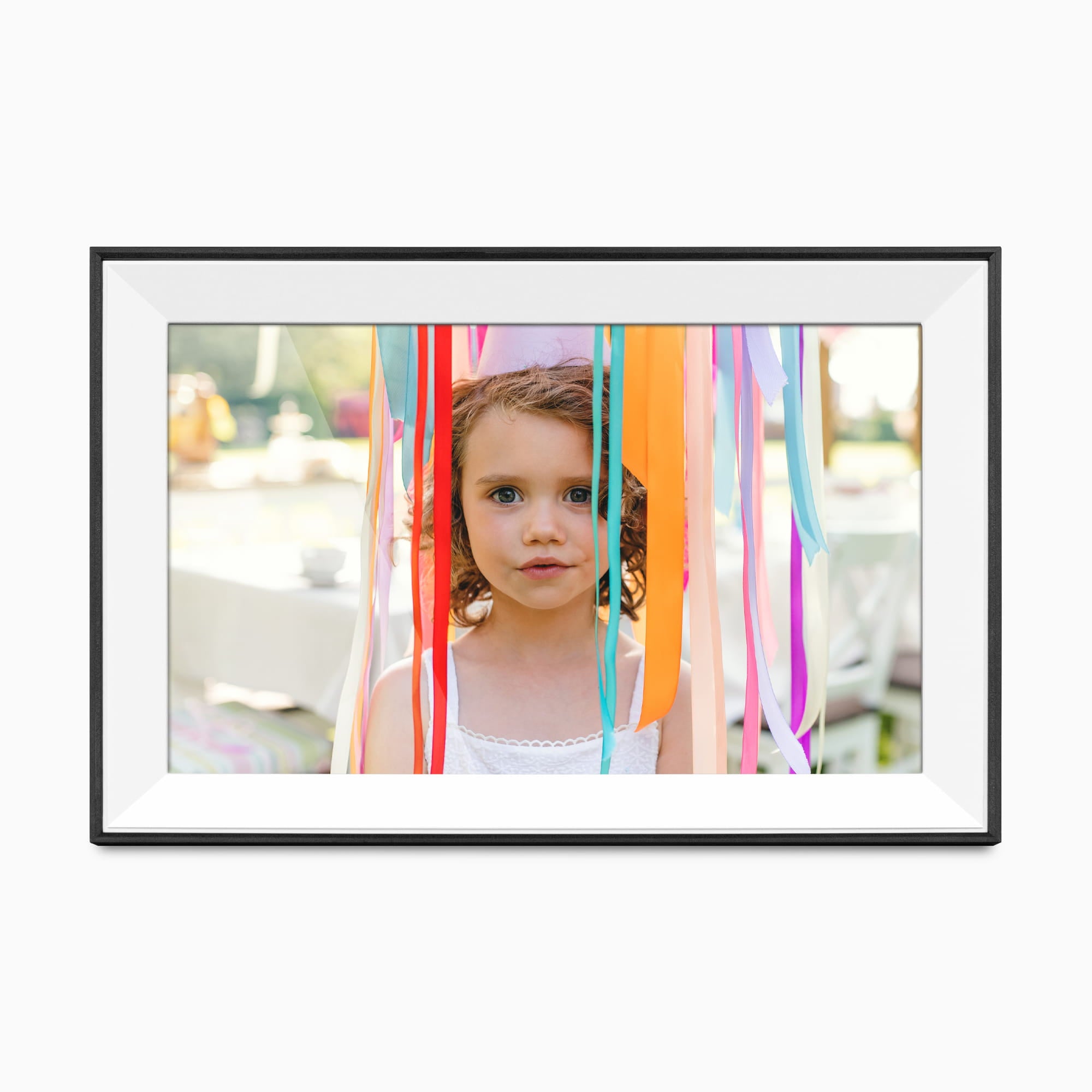
The exact one-option product record identifies SKU AWS210F, and its linked 2026 manual labels a black frame with a white matte. The promotional image likewise shows a black-edged frame with a light inner mat, but neither proves the finish or accessories in a particular seller's package. Confirm the exact code, stand, adapter, app name, card requirements, condition, return terms and warranty with the seller before ordering. This is a document-based assessment of the manufacturer's claims; it does not report ownership, hands-on testing, measured display quality, an offline trial, a current price or stock guarantee.
Key specifications
Key details at a glance
| Display | 10.1-inch IPS LCD touchscreen |
|---|---|
| Display diagonal | 10.1 in |
| Aspect ratio | 16:10 |
| Supported orientations | landscape / portrait |
| Wi-Fi required | Yes |
| Required frame subscription | No |
| Manufacturer storage claim | Aluratek lists 16GB built-in memory, photo/video support, integrated speakers and microSD cards up to 32GB. The exact manual adds local USB/SD/internal-memory folders; maximum USB capacity and user-available internal space are not stated. |
| Listed frame dimensions | 7.2 × 1 × 10.4 in (18.28 × 2.54 × 26.4 cm; manufacturer lists figures without naming axis order) |
| Listed weight | 1.1 lb |
Use the exact model’s instructions for operating limits, supplied equipment and version differences.
Sources for this review
Sources for this assessment
Check the frame against your actual setup
Compare orientation, connection needs and placement before choosing a model.