
Your needs, this model
Does it fit your priorities?
Is this a 16:9 15-inch display?
Aluratek lists a 15-inch IPS screen and 1024 × 768 pixels, but the same page calls it 16:9. The resolution describes a 4:3 pixel grid, so the source statements conflict. Verify the actual panel shape before choosing it for a specific crop or placement.
Explore this need in the finder →Can relatives send new pictures from another home?
Aluratek's exact page and linked English instructions describe internet-connected Aluratek Smart Frame app and email routes, with account/binding steps. The page also mentions Messenger and Twitter Messages, but the linked 2024 manual is labelled without Twitter/Facebook; confirm current app and social-service support before depending on those extras.
Explore this need in the finder →Does USB or MicroSD support guarantee it can run fully offline?
No. The manufacturer lists internal memory, USB and MicroSD routes, but the current linked instructions do not clearly confirm offline first-time setup or all local playback behavior. If internet-free operation is essential, verify it for this exact model instead of inferring it from the ports.
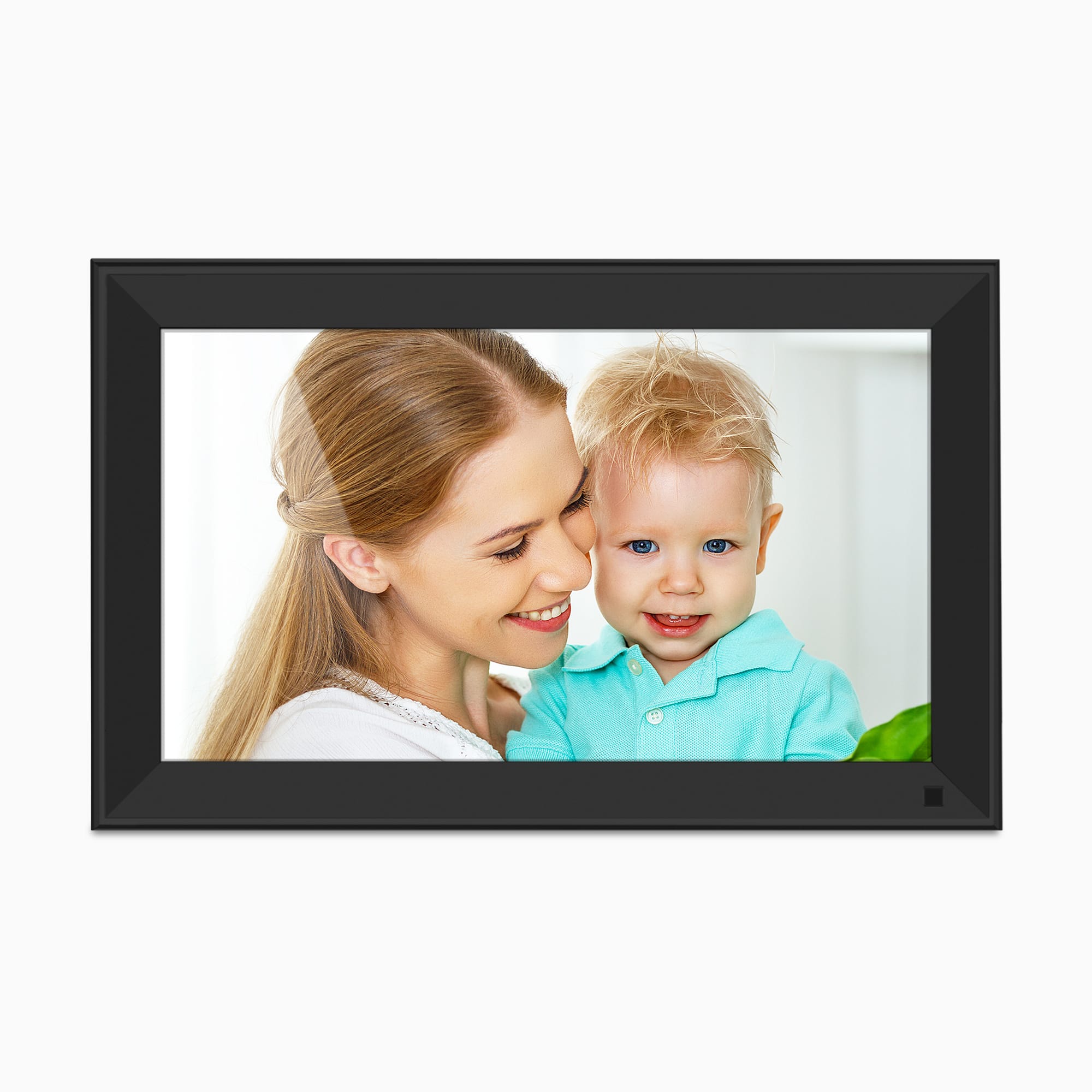
Explore this need in the finder →The Aluratek AWS215F is a mains-powered, 15-inch Wi-Fi touchscreen frame with built-in storage, local-media ports and manufacturer-described remote photo sharing. It is a distinct model from Aluratek’s larger AWS217F, not simply a different finish. This assessment is based on the exact U.S. product page, its one-option product record and the English documents linked from that page. No unit was bought, owned, installed, measured or tested.
A useful size claim, but a screen-shape discrepancy
Aluratek identifies a 15-inch IPS LCD touchscreen and lists 1024 × 768 pixels. In the same product description, it calls the screen’s aspect ratio 16:9. Those specifications do not agree: 1024 × 768 is a 4:3 pixel grid, not 16:9. The linked 2024 manual confirms a 15-inch IPS touchscreen but does not settle the native ratio. I would treat the diagonal and listed resolution as manufacturer claims while leaving the aspect ratio unresolved. If matching portrait crops, displaying older 4:3 photographs, or fitting the screen to a particular shelf is central to the decision, ask Aluratek or the seller to confirm the exact panel before relying on the wide-screen claim.
Rotation helps with mixed photo orientation
The product page says the removable stand supports horizontal or vertical placement and that photos and videos rotate to the frame’s physical orientation. That makes the AWS215F worth considering when a household wants to alternate between portrait and landscape photos without leaving the frame permanently in one position. It does not establish how every image is cropped, scaled or letterboxed, and the panel-shape discrepancy makes that a worthwhile question rather than an assumption. The manual also describes an auto-rotate setting, so the behavior can be disabled in software.
Aluratek lists a motion sensor that powers the frame on or off when movement is detected, with a claimed detection distance of up to 10 feet. That is the maker’s specification, not a measured range or guarantee in a particular room. The page calls the frame wall-mountable, but it does not establish what wall hardware comes with every seller’s package. Its listed box contents are a stand, power adapter, USB cable and instructional manual. Confirm those items, the exact power supply and any mounting pieces with the actual offer; a wall-mount claim alone is not proof that the required hardware is included.
Local storage is useful, but offline behavior remains unclear
The exact product page lists 32GB of internal memory and says storage can be expanded through USB and a MicroSD card. The page-linked manual identifies a MicroSD slot and USB ports on its 15-inch frame diagram, describes internal-memory folders and separate USB/SD-card slideshow sources, and explains how to send files from a computer to the frame. These are meaningful alternatives to relying only on incoming family uploads. A card or drive can also be a practical way to prepare a set of pictures in advance.
There is an important limit to that conclusion: the current English manual starts setup by connecting the frame to Wi-Fi, and it does not clearly state whether first-time setup or all local playback works without internet. I therefore would not treat local ports as proof of fully internet-independent operation. If the frame must start and display from local media at a location with no network, verify that exact use with the manufacturer before buying. The manual and product page also do not establish support for every USB drive, card format, photo export or video file, so check the current instructions for your media rather than assuming universal compatibility.
Remote sharing needs a connected setup
Aluratek describes wireless sharing through its smartphone app and email, with new remote contributions sent over an internet connection. The product-linked 2023 quick-start and 2024 English manual name the Aluratek Smart Frame app and walk through account creation, binding the frame, and accepting a user request. That gives a family a documented route to send new material from elsewhere, but it also means setup is more involved than simply plugging in a card. A recipient needs a working network and must complete the app and frame-approval steps.
The product page separately mentions Facebook Messenger and Twitter Messages. The linked 2024 manual’s filename says it is a Smart Frame manual without Twitter and Facebook, and its instructions focus on the app and email instead. Because the maker’s own current material is inconsistent on those add-on services, I would plan around the documented app and email routes only after checking that they still work for the intended household. Aluratek says the frame does not require a recurring subscription; that is helpful, but it does not remove the account, internet or service-availability considerations.
Where the AWS215F fits—and where it does not
This model makes the most sense for someone who wants a larger, touch-operated frame that can stand in either orientation, has local storage options and can accept remote contributions over Wi-Fi. The manufacturer also lists built-in speakers, music with slideshows, video playback and clock, calendar, weather and alarm functions. Those are listed capabilities, not independently verified results; check file compatibility if video or audio is an essential part of the setup.
It is a weaker choice if the frame must be cordless, if a confirmed 16:9 panel is essential, or if dependable no-internet setup is required. Its exact U.S. product record has one Default Title option with SKU AWS215F, while Aluratek’s separate AWS217F is a 17-inch model with different listed specifications. Match the exact code rather than relying on a generic “15-inch Wi-Fi frame” label. Finally, the manufacturer’s page was live when checked, but that does not verify stock, price, condition or package contents at any particular retailer. Check the current seller’s warranty, return terms, app requirements and exact included accessories before choosing an offer.
Key specifications
Key details at a glance
| Display | 15-inch IPS LCD touchscreen |
|---|---|
| Display diagonal | 15 in |
| Supported orientations | landscape / portrait |
| Required frame subscription | No |
| Manufacturer storage claim | 32GB internal memory with manufacturer-listed USB and MicroSD expansion; the product page also describes music with slideshows, speakers and video playback. |
Use the exact model’s instructions for operating limits, supplied equipment and version differences.
Sources for this review
Sources for this assessment
- Aluratek AWS215F 15-inch U.S. product page
- Aluratek AWS215F one-option product record
- Aluratek product-page-linked 2024 English Wi-Fi frame manual
- Aluratek product-page-linked 2023 English Wi-Fi frame quick-start
- CPSC exact-name AWS215F recall API query (narrow search only)
- Aluratek AWS215F exact-model promotional image

Check the frame against your actual setup
Compare orientation, connection needs and placement before choosing a model.