
Your needs, this model
Does it fit your priorities?
Will Carver stand upright when I want a single portrait photo to fill a frame?
No. Aura describes Carver as landscape-only. Its Photo Match feature can pair two portrait photos side by side, but that is a way to use the wide screen, not a portrait rotation mode. With pairing off, one portrait photo is centered and may leave side bars; choose a dual-orientation model if the frame itself must stand vertically.
Explore this need in the finder →Can relatives add pictures to Carver from another home without a frame subscription?
Aura's current help material describes remote app, email, web and (in the US and Canada) text contributions, with unlimited cloud storage and no required frame subscription. The receiving frame still needs power, internet and a 2.4 GHz Wi-Fi connection; this is not a verified offline-receipt option.
Explore this need in the finder →Does portrait pairing let me choose the two images that appear together?
Aura documents automatic Photo Match for Carver and a control to switch it off. The cited help page says its pairings are automatic rather than manually curated. If you prefer single images, you can turn pairing off; a solo portrait still does not become a full-height vertical display.
Explore this need in the finder →Scope: This is a source-based assessment of Aura's current US Carver family, not a hands-on test or ownership report. The current Charcoal and Chalk variants share the same documented hardware; their names and finish-specific SKUs are listed below.
A wide frame for wide photos
Carver is a 10.1-inch LCD with a 1280 × 800 panel, a 16:10 landscape format and a compact tabletop footprint. That layout suits a shelf, counter or side table where the frame is meant to remain horizontal. Aura's product page lists the outer frame at 10.5 × 7.3 × 2.1 inches and 1.61 pounds, so measure the whole frame and leave room for its cable rather than treating the screen diagonal as its width. The manufacturer's current Charcoal/Gravel page and current model comparison both identify a landscape display.
That distinction matters more than the family-photo use case suggests. Carver is not a frame that turns upright when you rotate it, and portrait support in an app feature does not change the panel's shape. If the intended shelf has room only for a tall frame, or one person needs a single portrait image to fill the screen, a dual-orientation model is the more direct fit.
Portrait pairing is a landscape workaround
Aura's Photo Match feature can pair two vertical photos next to one another to use the width of the screen. The official help material describes the matching as automatic, enabled by default and switchable in the app. This can make a mixed family album look more balanced on a horizontal panel, but it is still a layout choice rather than a portrait mode: the system selects the pair, and the two images will not necessarily tell the story a relative would have arranged by hand.
When Photo Match is off, Aura's repositioning guidance describes a single portrait image as centered within the horizontal frame, with space at the sides unless the image is cropped or enlarged. Face-aware positioning and the app's crop controls may help with an individual picture, but they do not guarantee that every face or edge remains in view. Someone who wants a specific portrait photo always shown full-height should check the intended result before sharing a large album.
Remote sharing trades local simplicity for a cloud dependency
The appeal for a geographically spread family is the contribution flow. Aura documents adding images through its app and web uploader, email to a frame, connected photo libraries and text-to-frame in the United States and Canada. Invited members can contribute remotely, and the company says its cloud photo and video storage does not require a recurring frame subscription. Carver also supports short video clips with sound and iOS Live Photos, according to its product details.
This is not a local-first design. Aura's technical requirements say the frame needs mains power and a continuing internet connection over 2.4 GHz Wi-Fi to operate and receive new content; the current Carver page also specifies a 2.4 GHz-capable router. The app and a compatible smart device are needed for initial setup and full feature control, though Aura says the touch bar can handle limited functions after setup. A household with only 5 GHz Wi-Fi, no reliable internet at the display location, or a preference for memory-card loading should not assume this model will suit it. The support material I reviewed does not establish whether Carver continues showing cached photos during an outage, so that behavior remains an unknown rather than a selling point.
Choose the finish by its exact name and SKU
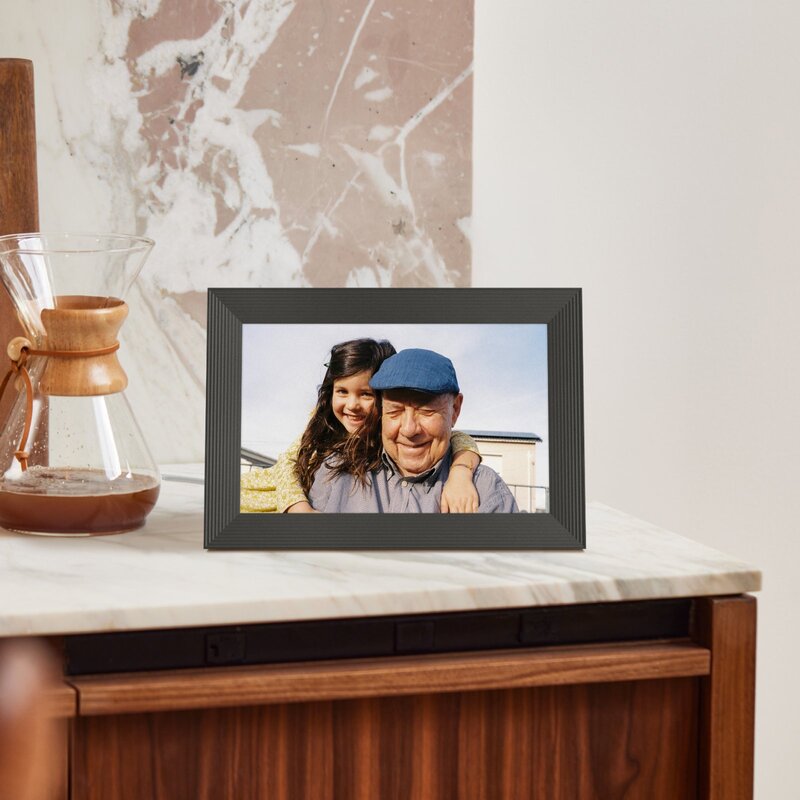
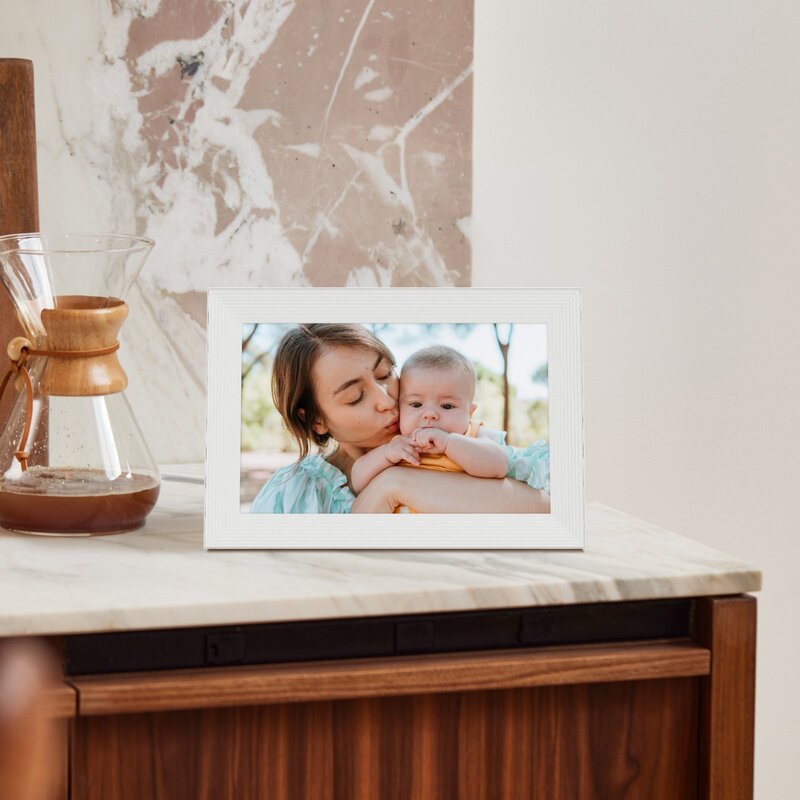
Aura currently lists Charcoal and Chalk finishes. The manufacturer notes that packages may use the previous labels Gravel for Charcoal and Sea Salt for Chalk, and its product-page structured data identifies the variants as AFM900-BLK and AFM900-WHT respectively. Those are finish-level identities, not interchangeable codes to guess from a listing title. The official page for Chalk/Sea Salt is here; the saved official imagery below shows that white finish. The other image on this review shows Charcoal/Gravel.
Aura describes a tabletop stand type and says a wall mount is not included. The sources do not settle the exact current carton contents, cord length or adapter version, so check those items against the seller's package details. I also found no current model-specific manual that resolves them. Aura does not identify the Carver panel as anti-glare in the product facts reviewed; that is an unverified feature, not a capability to assume. For an upright mount, included wall hardware, offline playback, local storage or an anti-glare requirement, look for direct documentation before choosing this frame.
Who should shortlist it?
Carver makes the most sense when the display will stay in landscape orientation, the household wants remote family uploads without a required frame subscription, and a dependable 2.4 GHz internet connection and outlet are available where it will sit. Its paired-photo feature is a useful option for portrait-heavy albums, provided automatic pairing is acceptable. It is a poor match for a vertically mounted frame, offline photo delivery, or a buyer who needs known local-storage and outage behavior.
This assessment does not verify current stock, price, service uptime or seller terms. Before ordering, match the offer to the chosen Charcoal/Gravel or Chalk/Sea Salt finish and its exact SKU, confirm the power and tabletop package, and make sure the intended Wi-Fi band is available at the frame's location.
Key specifications
Key details at a glance
| Display | LCD |
|---|---|
| Display diagonal | 10.1 in |
| Aspect ratio | 16:10 |
| Supported orientations | landscape |
| Wi-Fi required | Yes |
| Wi-Fi bands listed | 2.4 GHz |
| Required frame subscription | No |
| Manufacturer storage claim | Free unlimited Aura cloud photo and video storage |
| Listed frame dimensions | 10.5 × 7.3 × 2.1 in |
| Listed weight | 1.61 lb |
Use the exact model’s instructions for operating limits, supplied equipment and version differences.
Sources for this review
Sources for this assessment
- Carver 10-inch Charcoal — Aura US product details
- Carver 10-inch Chalk — Aura US product details
- Aura Frame Comparison Guide: Which Aura Frame Should I Choose?
- Detailed overview of the Aura app features
- Technical Requirements
- Showing two portrait photos next to each other (Carver Frames)
- How can I reposition the photos on my frame?
- CPSC Recall Retrieval API query: ProductName=Aura Carver
Check the frame against your actual setup
Compare orientation, connection needs and placement before choosing a model.