
Your needs, this model
Does it fit your priorities?
Can I set it up in either portrait or landscape?
Nixplay's W10K specification says the frame auto-rotates for portrait and landscape placement. The 10.1-inch display is 16:10, so check your own mix of phone photos for cropping preferences rather than assuming every image fills the screen.
Explore this need in the finder →Can relatives add pictures remotely without buying Nixplay Plus?
Nixplay describes sharing through its app, website and email and includes a Basic account. Basic is finite rather than unlimited: the current plan comparison lists 500 MB photo storage, one shared album and short video clips. You still need Wi-Fi/internet for new remote contributions.
Explore this need in the finder →Will it receive new pictures where there is no internet?
The reviewed Nixplay route is cloud sharing over Wi-Fi, so it does not meet a requirement for internet-independent delivery. The inspected material does not settle cached-photo behavior or local USB/SD import, so do not treat either as a documented offline fallback.
Explore this need in the finder →The Nixplay Modern W10K is a 10.1-inch touchscreen frame for a household that wants a networked family album rather than a self-contained memory card viewer. The model's documented strengths are its portrait/landscape rotation, clear 16:10 screen specification, and routes for relatives to contribute through Nixplay's app, website, or email. Its trade-offs are just as important: remote updates rely on Nixplay's cloud service and internet access, the included Basic account has limits, and the inspected sources do not establish local USB/SD importing or what happens to cached photos during an outage.
W10K identity: check the finish and code
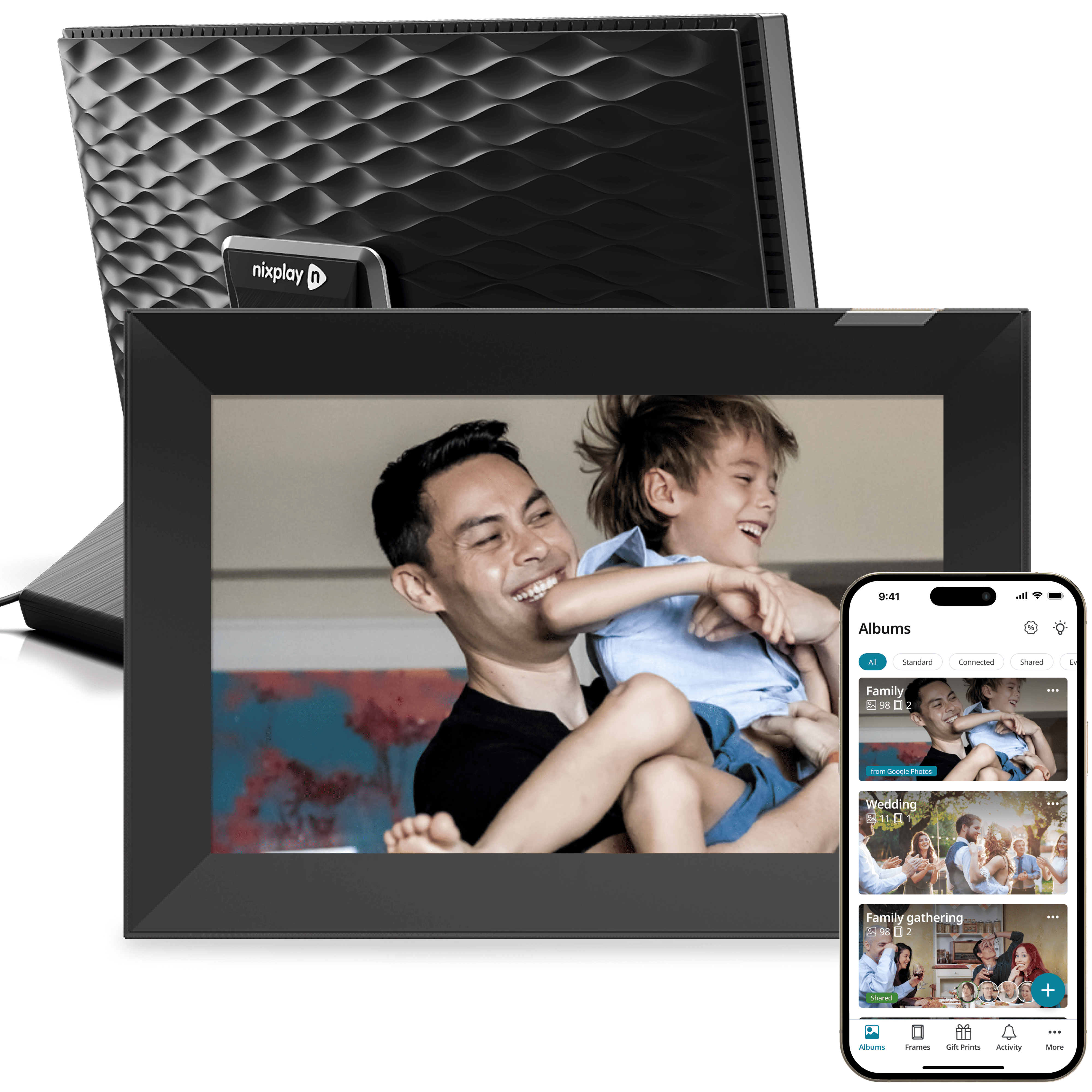
Nixplay's current US frame collection and exact product JSON identify two currently selectable W10K variants: Black & Silver (manufacturer SKU 424) and White (SKU 422). A separate manufacturer technical gallery also labels Black Gold, Wood and Polished Steel, while the product page uses the phrases “Black & Gold” and “Wood & White.” A US retailer's exact W10K product records resolve those three claims as finish-only retail variants: Best Buy identifies W10K Black Gold as SKU 6511939 / UPC 5060156642160, W10K Wood as SKU 6511940 / UPC 5060156642177, and W10K Polished Steel as SKU 6503890. The manufacturer gallery labels and retailer model names reconcile Black Gold and Wood at the retail-model level despite the wording differences. Best Buy's detailed Black Gold and Wood specifications agree on the W10K's 10.1-inch, 1280 × 800 display, Wi-Fi and built-in 8GB storage; the Polished Steel record identifies the same W10K model, with no separate finish-specific capability listed. These are additional identified configurations covered by this shared W10K assessment, not extra entries in Nixplay's current two-choice US variant selector.
At the time checked, Best Buy said each of these three finish records was no longer available in new condition. That observation applies to those retailer pages only; it does not establish every seller's stock or condition. The Nixplay renders below are finish references, not delivered-unit photographs or proof of a seller's box. Match the exact W10K finish and identifier on any offer. The source collection is Nixplay's current frame collection; model details and the finish gallery are on its W10K product page and W10K technical page.
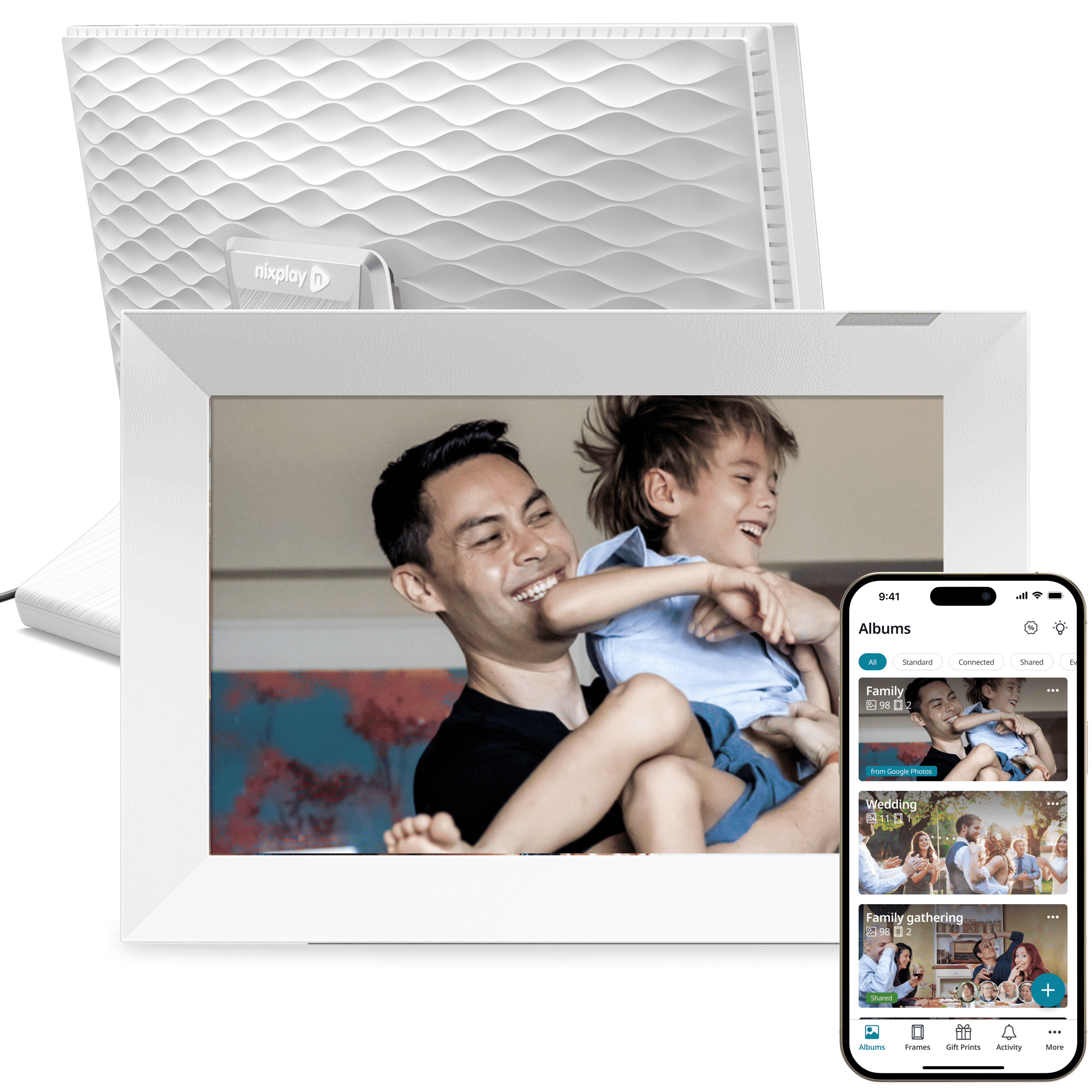

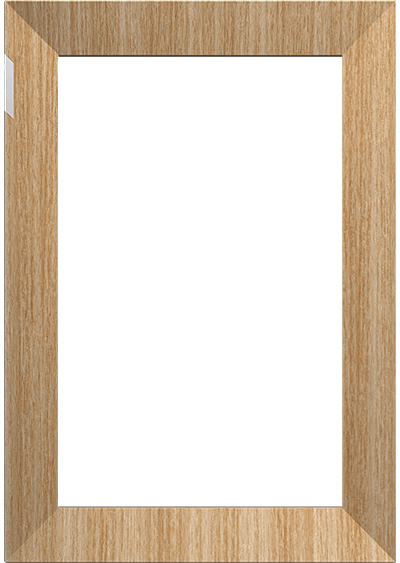

For identity checks only, the observed Best Buy US product records identify W10K Black Gold (SKU 6511939; UPC 5060156642160), W10K Wood (SKU 6511940; UPC 5060156642177) and W10K Polished Steel (SKU 6503890). The retailer records are cited as variant evidence, not purchase recommendations or endorsements.
A small display with two physical orientations
The W10K's stated panel is a 10.1-inch LCD IPS touchscreen with an explicit 1280 × 800 pixel resolution and 16:10 aspect ratio. Nixplay also uses “720p HD” in the same product material. Since that marketing label is not a precise description of the stated 800-pixel vertical resolution, this assessment uses the explicit pixel count and preserves “720p” only as the maker's wording. Listed brightness is 400 cd/m² and contrast is 500:1; these are manufacturer figures, not measurements made for this review. Nixplay does not make an anti-glare claim in the reviewed specification.
The W10K rotates between portrait and landscape, but 16:10 differs from classic 4:3 photos and many phone-camera crops. A mixed album may show borders or trim edges, so check cropping with representative family pictures. Nixplay's technical page lists the orientation, display, stand and formats.
Sharing is the main reason to choose it
The W10K is built around Nixplay's networked sharing model. The product page describes Wi-Fi connectivity and contributions through the Nixplay app, its website and email. The product is therefore a logical candidate for relatives who want to send new images without handling a memory card or visiting the frame in person. Initial setup also includes creating or connecting an account and pairing the frame to Wi-Fi; the W10K setup guide shows the power, backplate and stand steps before account setup.
Basic is included, but not unlimited. At the time checked, Nixplay listed 500 MB of photo storage, one shared album and 15-second clips for Basic. Plus is optional and expands limits and some integrations; plan terms can change. The app, web and email route does not require Plus in the inspected material, but a large photo archive or frequent video sharing merits a current limits check.
The documented route is cloud delivery, not verified offline receipt. The sources do not settle cached-photo behavior during an outage or USB/SD import; these remain unknown. If new images must arrive without internet, choose a frame with an explicitly documented local transfer mode.
Space, stand and installation checks
Nixplay lists a detachable adjustable stand and a W10K wall-mount option with a model guide. That does not prove a bracket, screws or anchors are included. The comparison lists 10.55 × 7.4 × 1.53 inches, while the product block rounds to 10.6 × 7.4 × 1.5. Treat these as published rounded figures, not measured fit dimensions, and leave room for the power lead.
W10K is mains-powered, not cordless. Nixplay lists a cord around six feet/two metres and JPG/PNG photos plus MP4/MOV/MPEG clips. Its speaker and auto-on/off sensor are maker claims, not tested playback or privacy results; Nixplay describes the activity sensor as non-recording.
Where it sits in the Nixplay range
W10P shares the W10K's 10.1-inch 16:10 1280 × 800 panel and auto-rotation, but has a single Matted Black finish. W10K's page claims wall mounting; W10P's says it is not supported, so do not transfer that capability. The much larger W15P is a different 15.6-inch 16:9 1920 × 1080 model, with its seller/package status to be checked separately.
Who should shortlist it?
Consider W10K if a touch frame with both orientations and remote family contributions fits your household. Nixplay's current US selector shows Black & Silver and White; this review also identifies three additional retailer finish records. It is less suitable if you require verified SD/USB import, offline delivery, anti-glare coating, unlimited free cloud, cordless use or confirmed mount hardware. No frame was purchased, owned or tested; details come from Nixplay's published material. Check the exact live listing, package, service terms, warranty and seller policy.
Key specifications
Key details at a glance
| Display | LCD IPS touchscreen |
|---|---|
| Display diagonal | 10.1 in |
| Aspect ratio | 16:10 |
| Supported orientations | portrait / landscape |
| Required frame subscription | No |
| Listed frame dimensions | 10.55 × 7.4 × 1.53 in in the comparison table; the product block rounds to 10.6 × 7.4 × 1.5 in |
Use the exact model’s instructions for operating limits, supplied equipment and version differences.
Sources for this review
Sources for this assessment
- Nixplay Smart Photo Frames collection
- Modern 10.1-inch HD Touch Screen (W10K)
- W10K manufacturer product variant record
- W10K technical specifications
- W10K setup guide
- Nixplay subscription comparison
- CPSC exact-name query: Nixplay W10K
- Best Buy US retail product record: W10K Black Gold, SKU 6511939
- Best Buy US retail product record: W10K Wood, SKU 6511940
- Best Buy US retail product record: W10K Polished Steel, SKU 6503890
Check the frame against your actual setup
Compare orientation, connection needs and placement before choosing a model.