
Your needs, this model
Does it fit your priorities?
Can relatives add new photos remotely?
Skylight describes app or email contributions without a required account or photo subscription. New photos still need Wi-Fi and internet; already loaded photos can remain on screen offline.
Explore this need in the finder →Can it receive new images during an internet outage?
No. The current photo-sharing route requires Wi-Fi/internet for new arrivals. The manufacturer says existing photos remain viewable offline, which is different from receiving fresh images.
Explore this need in the finder →Is portrait rotation documented for this 10-inch version?
The current U.S. 10-inch product page describes touch cropping and zoom but does not document automatic portrait/landscape rotation. Do not assume it fits a vertical placement; verify the exact original-generation model first.
Explore this need in the finder →The original 10-inch Skylight Frame is a mains-powered Wi-Fi photo display built around simple remote contributions: family can send new pictures by the Skylight app or email, and the frame can continue showing photos already on it when the connection drops. The most important caveat is that offline display is not the same as offline delivery. New additions still wait for Wi-Fi, and the manufacturer does not document this model as a local USB or SD-card viewer.
Which 10-inch Skylight is this?
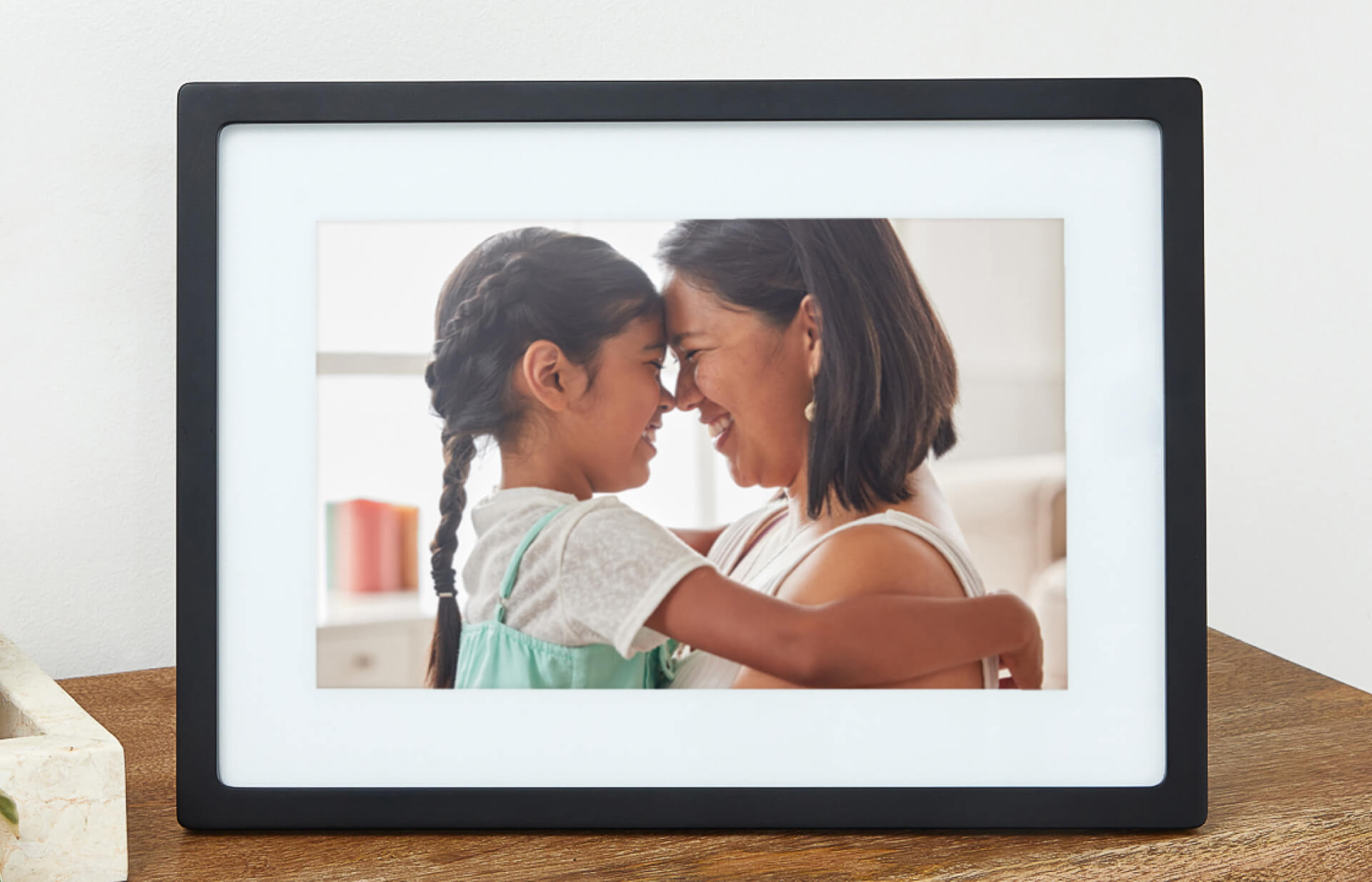
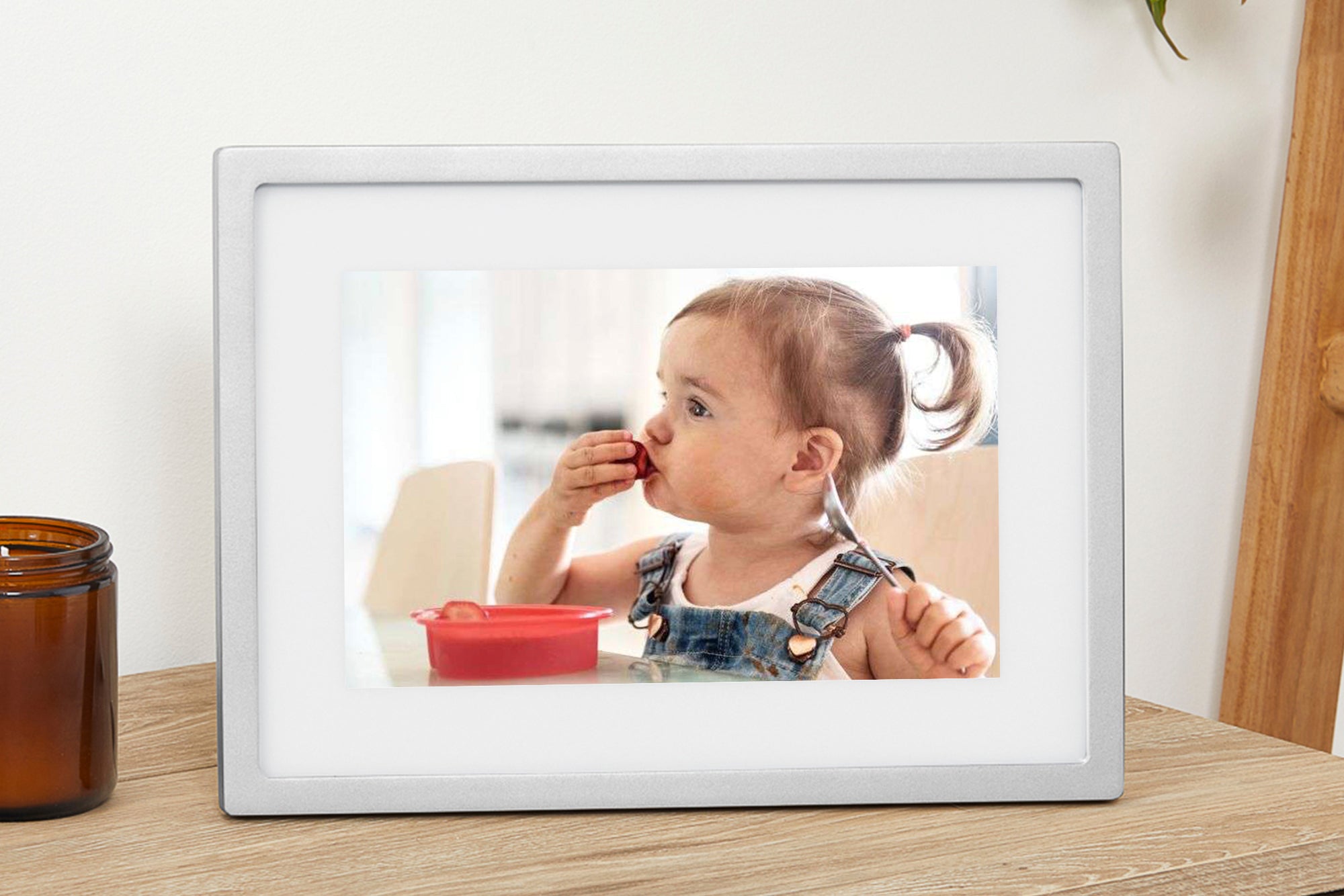
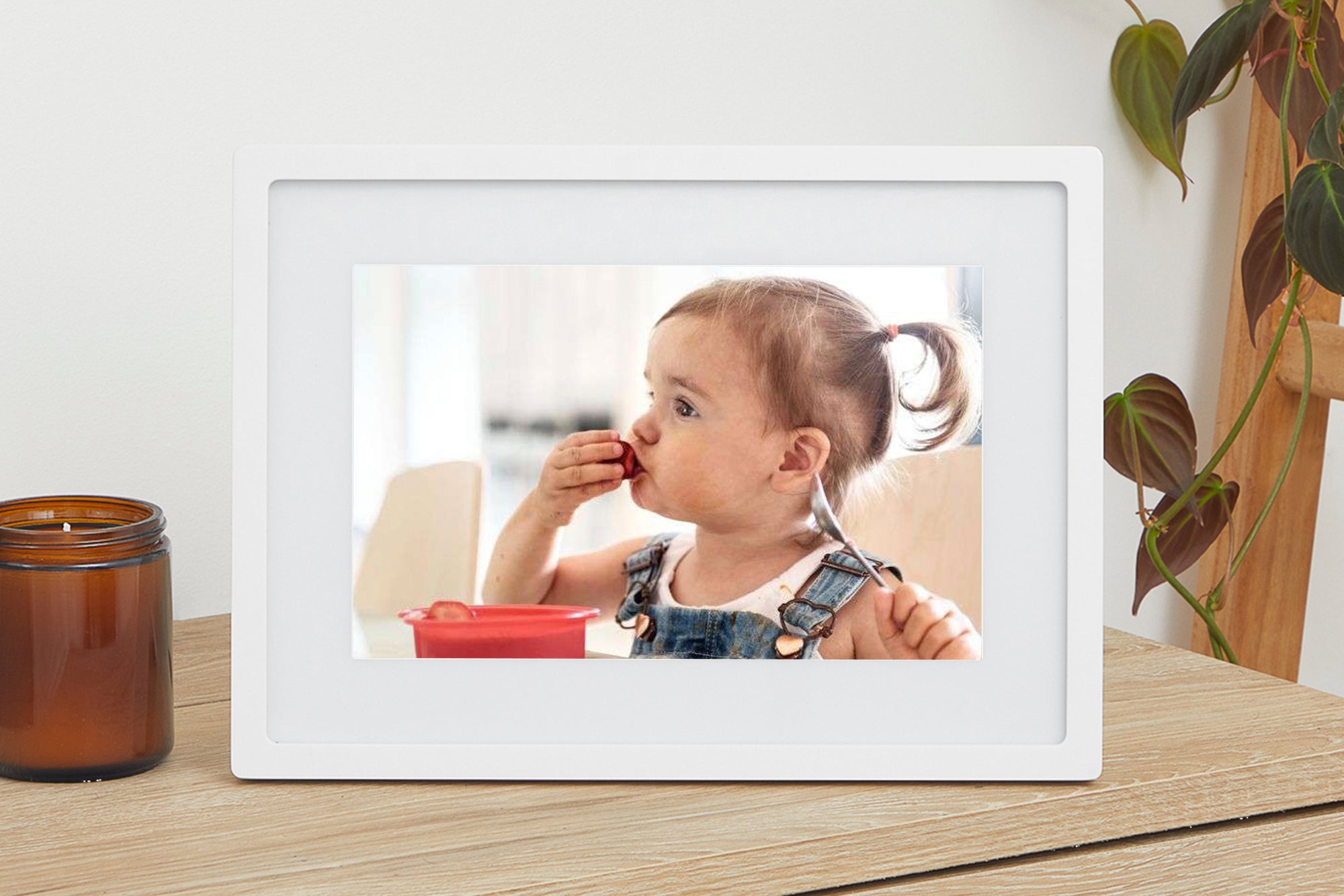
This assessment covers the original “The Skylight Frame” 10-inch generation, not the newer Frame 2. Current U.S. product records distinguish four finishes: Black SKU 100DA, Silver 100DC, White 100DB and Gold 100DF. The live product page uses one shared product page for the finish selector; the separate finish-specific product data records carry the exact SKUs. Those colors are cosmetic choices, not evidence of different display hardware. The hero and finish images are manufacturer-supplied product illustrations, not independently photographed units or proof of what a particular seller ships.
The distinction matters because Frame 2 is also 10 inches but has a higher stated resolution, twice the stated storage and a different snap-on bezel system. If a listing simply says “Skylight 10-inch,” check the exact generation and SKU rather than assuming the generations are interchangeable.

Screen size, shape and rotation limits
Skylight lists a 10-inch diagonal IPS touchscreen with 1280 × 800 pixels, 8 GB of storage and an “up to 8,000 photos” capacity claim. That photo count is a manufacturer estimate, not a promise for every mix of image sizes. The stated resolution is a 16:10 shape. The product page describes touch controls for cropping and zooming, but the current U.S. page does not say that the original 10-inch model automatically rotates between portrait and landscape placement. We therefore do not treat portrait mounting or auto-rotation as confirmed. If the frame must stand vertically, ask the seller or manufacturer to verify the exact generation before buying.
Skylight lists the outer dimensions as 12 × 8.5 × 0.9 inches without assigning the axes in the captured listing. Treat that as a manufacturer size label, not a measured clearance drawing; it does not settle the stand footprint, plug clearance or wall-mount fit. No independent brightness, color, touch-response or image-quality measurements were made for this assessment.
Sharing without a required photo subscription
The current product description says photos can be contributed through the free Skylight mobile app or by email without creating an account or buying a subscription. That can be useful for a household where relatives are not all comfortable with a memory card or computer transfer. The trade-off is the network dependency: initial setup and new remote photos need Wi-Fi and internet access. Previously received photos can continue to display without Wi-Fi, according to Skylight’s product information, but the frame cannot receive new remote contributions during an outage.
Skylight’s support material says the rear USB port, SD slot, headset jack and menu button are not yet functional on the original Frame. That is a reason not to buy this model expecting USB/SD importing or headphone playback, even though the openings are visible on the hardware. The support wording is general to the original Frame family; it is not evidence that Frame 2 shares those limitations.
Power, package and placement checks
The manufacturer says the Frame needs to be plugged into an electrical outlet and has no battery. Its U.S. product page says the default plug is U.S.-style; it does not provide a model-specific manual in the pages we reviewed or settle every seller’s cable, adapter or package contents. Confirm that the offer is a U.S. version and ask what power equipment is included, especially for an open-box or refurbished listing. This is a corded display, so place it near a suitable outlet and plan for the lead to remain connected.
JPEG, BMP, PNG and GIF appear in the supported-format list. That tells you which named file types the manufacturer says it accepts; it does not establish how every file is cropped, color-rendered or synchronized. Test the account/sharing workflow with the intended family senders before gifting if those details are important.
Where it sits beside Skylight’s other frames
The 15-inch original Frame is the larger option, with a 1920 × 1080 display, 16 GB and explicitly documented portrait/landscape auto-rotation. Frame 2 stays at 10 inches but moves to 1920 × 1200, 16 GB and a manufacturer-described anti-glare surface. Frame 2 also has interchangeable Snap Frames. These are real product-generation differences, not reasons to transfer the newer model’s claims to this original 10-inch device.
Who should shortlist it?
Consider the original 10-inch Frame if a compact touchscreen, simple app/email contributions, offline playback of already-loaded images and no required photo subscription match the household. Look elsewhere if you need internet-independent new-photo delivery, documented portrait mounting, a battery, a verified anti-glare surface or working USB/SD imports. This is desk research from Skylight’s published product and support material; the frame was not purchased, owned, installed or tested. Before choosing a listing, confirm the original generation, finish SKU, U.S. power arrangement, condition, return terms and current seller details.
Key specifications
Key details at a glance
| Display | IPS LCD touchscreen |
|---|---|
| Display diagonal | 10 in |
| Aspect ratio | 16:10 (derived from listed pixel dimensions) |
| Supported orientations | |
| Wi-Fi required | Yes |
| Required frame subscription | No |
| Manufacturer storage claim | 8 GB; manufacturer estimates up to 8,000 photos, depending on file sizes |
| Listed frame dimensions | 12 × 8.5 × 0.9 in (manufacturer list; axes not assigned in captured US text) |
Use the exact model’s instructions for operating limits, supplied equipment and version differences.
Sources for this review
Sources for this assessment
- Skylight U.S. Frame selector
- The Skylight Frame 10-inch Black product record
- The Skylight Frame 10-inch Silver product record
- The Skylight Frame 10-inch White product record
- The Skylight Frame 10-inch Gold product record
- Skylight User Guide and Troubleshooting Support
- CPSC exact-name query: Skylight 10 Frame
Check the frame against your actual setup
Compare orientation, connection needs and placement before choosing a model.