
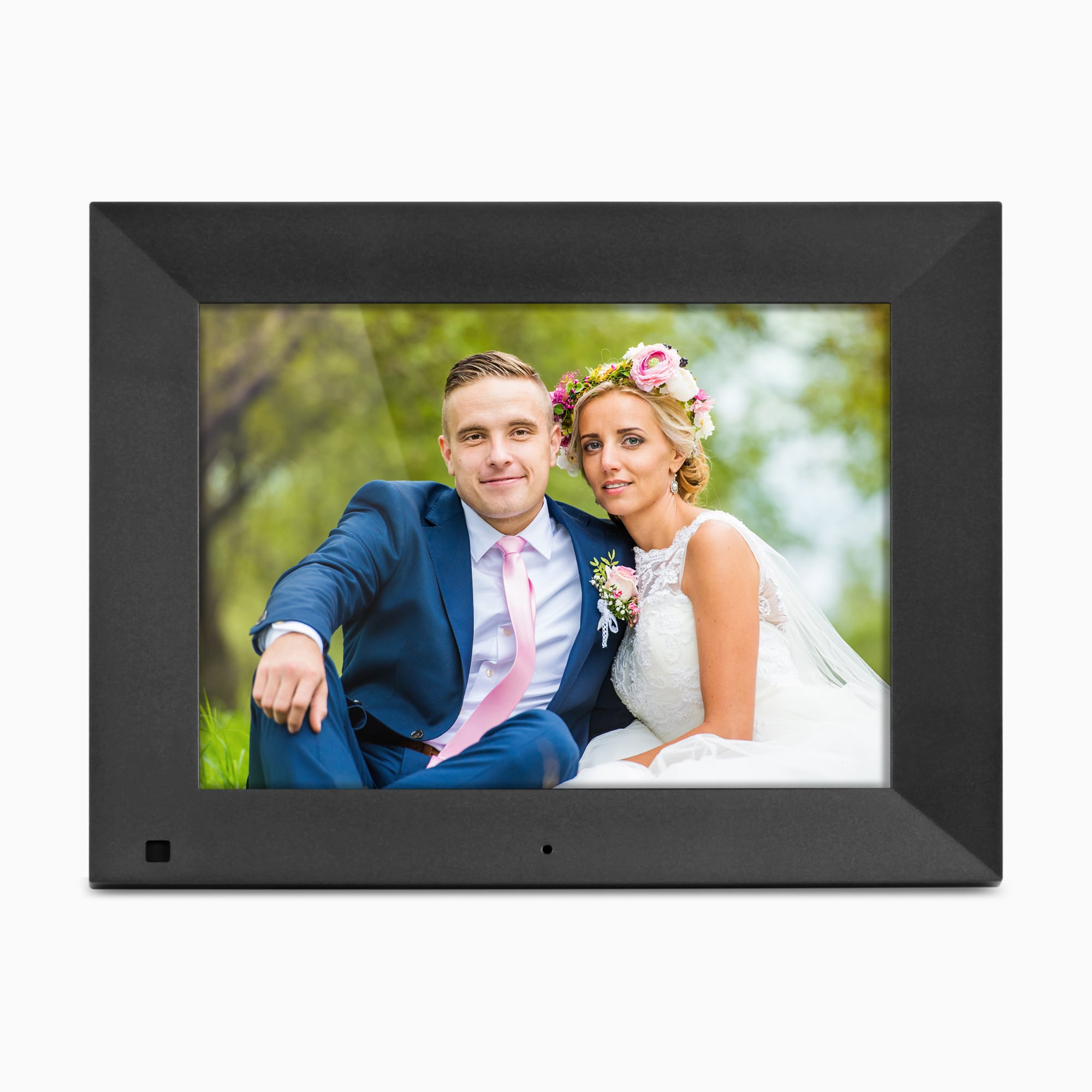
Your needs, this model
Does it fit your priorities?
Can I add new pictures when the frame is not connected to the Internet?
Yes, through its documented local routes: the exact-code manual says an inserted microSD card starts a slideshow, and it explains copying files from a nearby PC or Mac to internal memory over USB. The page also lists USB flash-drive playback. This does not let distant contributors send photos without a network.
Explore this need in the finder →Will the frame support portrait and landscape placement?
Aluratek says the removable stand allows horizontal or vertical viewing and that photos and videos rotate to the frame orientation. The manual also lists a remote Rotate control. The exact seller package and stand placement should still be confirmed; the sources are manufacturer descriptions, not a test.
Explore this need in the finder →Can relatives upload new photos to this frame over Wi-Fi?
The exact ADPFR09 page and M10598 manual document local media and nearby-computer transfer, but no model-specific app, account, cloud or invited-contributor route. Do not choose it for remote family delivery unless the seller can produce exact-code documentation for that function.
Explore this need in the finder →Does its local photo route require a recurring frame subscription?
No recurring frame subscription or online account is needed for the documented microSD, USB or nearby-PC/Mac route. This does not settle the terms of any unverified service or a retailer membership.
Explore this need in the finder →Aluratek's ADPFR09 is a compact, mains-powered frame built around local files rather than an evidenced cloud-sharing service. Its U.S. page identifies a 9-inch, 1024 × 768, 4:3 LCD, 16GB of internal memory, a motion sensor, a remote control and automatic photo rotation when the frame is turned. The exact-page-linked M10598 manual prints the same ADPFR09 code and identifies the panel as IPS. This is a documented feature assessment, not a review from owning, measuring or testing the device.
Made for nearby photo sources
The most clearly supported route is straightforward: insert a microSD card and the manual says a slideshow starts automatically. For a more curated album, the same manual explains connecting the frame to a nearby PC or Mac by USB and copying photos, video and music into the frame's internal memory as removable storage. The product page also lists USB flash-drive and card playback, with an included adapter in its feature description. These are local transfers; they do not require a distant relative to upload through an app.
That arrangement suits a home where someone can prepare a card or organize files from a computer. The 16GB figure is the maker's listed built-in capacity, not usable free space or a guaranteed number of photos. The manual describes selecting the card or internal memory from the menu, so buyers can consider whether they want a frequently swapped card, a library copied onto the frame, or both. Keep original files elsewhere as a separate backup; the sources describe playback and transfer, not an independent photo archive.
Portrait and landscape are documented differently from rotation controls
Aluratek says the removable stand allows horizontal or vertical viewing and that photos and videos rotate to match the frame's orientation. Its exact-page gallery includes horizontal and vertical product views. The M10598 remote illustration also labels a Rotate button, but a manual image-rotation control is not the same thing as proof that automatic orientation works with every image. The dual-placement and automatic-rotation claims are manufacturer descriptions, not results from a hands-on check. If portrait placement is essential, verify how the offered unit's stand is set and whether the listing is for the exact ADPFR09.
A 9-inch diagonal makes it smaller than the common 10-inch class. The 4:3 panel shape is close to many camera photos, though pictures from phones can be tall, wide, cropped, or screen captures. A different shape can leave margins or crop an image depending on the frame's display setting. The manual lists a display-ratio setting, but the actual default and treatment of an individual file should be checked on the supplied device. Diagonal also says nothing about the bezel width, stand footprint, viewing distance or whether captions are legible across a room.
Motion sensing can be disabled
The product page says its motion sensor can switch the display on or off when it detects movement up to 10 feet away; the page FAQ says the sensor can be turned off so pictures and music continue continuously. The manual provides Motion Sensor and Motion Sensor Time settings, along with separate scheduled power-on and power-off controls. That offers a way to think about an entryway or shared room: someone can choose sensor behavior or continuous operation and set a schedule. It is not a measured detection radius, a guarantee that the sensor will recognize every visitor, or proof of a particular energy saving. If the screen must stay on during quiet periods, the maker's stated sensor-disable option is relevant; the actual menu behavior should be checked using the manual and exact unit.
Power, media and package details need a final check
This is not a cordless solution. The page's FAQ says it must be plugged in, and both the page and manual list a power adapter. A wall-hang hole or removable stand does not remove the need to route that cable, and the manufacturer has not specified the axis order for its listed 9.56 × 1 × 7.6-inch dimensions. Treat that figure cautiously when planning a narrow shelf or wall position.
There is also a media-capability gap worth resolving before buying. The page highlights microSD, microSDHC and microSDXC, while its FAQ advises using USB or SD media no larger than 32GB and formatted FAT32. The 2021 manual only names microSD and supplies no capacity ceiling or file-system limits. No card size, format or photo file was tested here, so the current headline should not be treated as proof that every SDXC card will work. Ask the seller or Aluratek to confirm the exact card and file types for the offered ADPFR09.
Finally, the page's box list adds a USB OTG cable to the stand, remote, USB 2.0 cable and adapter. The exact-code manual lists the other four but does not include an OTG cable in its package section. That documentation mismatch is a reason to check the seller's contents and return policy, not evidence that either source is wrong or that a delivered package has been inspected. The page also calls the frame wall-mountable, but does not establish included wall hardware. No anti-glare treatment is identified.
Who should shortlist it?
The ADPFR09 makes the most sense for someone seeking a small, corded, portrait-or-landscape display that can be fed by locally prepared media or a nearby computer and that has a motion setting they can choose to use or disable. A recurring frame subscription is not needed for that documented local route. It is a poor fit when relatives need to send new pictures remotely, when a battery-powered display is mandatory, or when a verified anti-glare surface is essential. Its 16GB memory, motion sensor and 9-inch screen do not answer those separate requirements.
Compare its local library workflow with the 10-inch ADMSF310F, which has a different panel size and 4GB listed memory, or with the portrait-and-landscape ASHDPWM8S, whose separate Frametime sharing path is documented. Those comparisons are about different source-supported routines, not a ranking based on use or measured display quality.
Primary references: Aluratek's exact ADPFR09 U.S. product page and the page-linked ADPFR09 M10598 English manual.
Key specifications
Key details at a glance
| Display | 9-inch IPS LCD per the exact-code M10598 manual; the current product page says LCD. |
|---|---|
| Display diagonal | 9 in |
| Aspect ratio | 4:3 |
| Supported orientations | landscape / portrait |
| Required frame subscription | No |
| Listed frame dimensions | 9.56 × 1 × 7.6 in (24.3 × 2.5 × 19.3 cm); Aluratek does not label the axes in the specification. |
| Listed weight | 1 lb |
Use the exact model’s instructions for operating limits, supplied equipment and version differences.
Sources for this review
Sources for this assessment
- Aluratek ADPFR09 exact U.S. product page
- Aluratek ADPFR09 single-option Shopify product record
- Aluratek ADPFR09 M10598 English instructional manual linked from the exact U.S. page; cover names ADPFR09 and copyright 2021
- Aluratek ADPFR09 exact-page main promotional image
- U.S. CPSC exact-name ADPFR09 Recall Retrieval API query; one narrow query returned an empty JSON array

Check the frame against your actual setup
Compare orientation, connection needs and placement before choosing a model.