
Your needs, this model
Does it fit your priorities?
Can I add and show new ASDMPF09 photos without an Internet connection?
Yes, for the documented local workflow. Aluratek's exact-code M10407 manual says an SD/SDHC card can start a slideshow and explains copying media from a nearby PC or Mac to the frame's 4GB internal memory over the included USB cable. The exact page also lists USB flash-drive and SD-family playback. Someone still has to prepare or carry the media, and the frame needs mains power; this does not let a distant relative send pictures during an outage.
Explore this need in the finder →Can ASDMPF09 be used vertically for portrait photos?
Aluratek's exact page says the frame can only be oriented landscape. The M10407 manual includes a remote-control Rotate command, but that is not documentation for a vertical stand or automatic portrait rotation. Treat the two controls as different things and confirm the exact seller package; this model is not a documented portrait choice.
Explore this need in the finder →Should I rely on SDXC media or a specific card capacity with ASDMPF09?
Not without checking the offered unit. Aluratek's current page lists SD, SDHC and SDXC cards up to 32GB; its exact-code M10407 manual names SD and SDHC but does not mention SDXC or give a capacity ceiling. No card was tested. Ask the seller or manufacturer to confirm your exact card family, capacity and format before preparing an archive.
Explore this need in the finder →Does a currently reviewed listing prove I can buy an ASDMPF09 now?
No. Aluratek's U.S. product page said Out of stock and its single-variant record reported available=false on 2026-10-30. Those are dated manufacturer-store observations; they do not prove the model is discontinued or establish stock, condition or package contents at another seller. This guide keeps the ASDMPF09 as a reference assessment, not an active buying match.
Explore this need in the finder →The Aluratek ASDMPF09 is an identified 10-inch slim frame built around a nearby-file routine: use a USB drive or card at the frame, or connect it to a nearby computer and copy files into its listed 4GB internal memory. Aluratek's exact U.S. page calls the display a 1024 × 600 LCD and labels it 16:9; its same-code M10407 manual describes the local media steps. This is a source-based assessment, not a hands-on review or performance test. On October 30, 2026, the manufacturer's page said “Out of stock,” and its one-option product record returned unavailable. I keep the model here as a reference, not as a current buying match; that dated status does not establish whether another seller has stock or whether Aluratek has discontinued the model.
A local workflow that does not depend on a cloud account
The useful distinction is between bringing a photo to the display and inviting someone to send one from somewhere else. The M10407 manual linked from the exact page identifies the ASDMPF09 on its cover. It says an SD or SDHC card can start a slideshow, and describes choosing USB or SD media from the frame's menu. For someone who would rather curate a fixed set, the manual also explains connecting a nearby PC or Mac with the USB 2.0 cable and copying files to the frame's internal memory, which appears as a removable drive. That gives this model a locally supplied photo route without an Internet upload step.
Aluratek lists 4GB of built-in memory and says it can hold approximately 1,200 photos. That count is the manufacturer's estimate, not a measured capacity or a promise for photos of any particular resolution. Keep a separate copy of the original files: the sources document playback and transfer, not an independent backup service. The exact product page also lists direct USB flash-drive and SD-family playback. A USB hard drive is another listed source, but Aluratek says the drive needs its own power adapter, so it is not the same compact setup as a flash drive.
The maker's current page claims SD, SDHC and SDXC support up to 32GB. The M10407 manual names SD and SDHC but does not mention SDXC or publish a card-capacity limit. No card, format or file has been tested here. If a particular card matters, confirm the exact family, size and format with the seller or Aluratek instead of assuming the broader page wording settles the manual's narrower list.
Landscape only, despite a rotate button
The exact product page's FAQ says the ASDMPF09 can only be oriented in landscape. That is the relevant answer for a shelf, frame stand or portrait-oriented room plan. Its manual does show a “Rotate” button on the remote, but an image-rotation command is not the same as a documented portrait stand position or automatic portrait detection. The sources do not support treating this as a vertical-placement frame.
The 10-inch screen is a listed display diagonal, not an outside footprint. Aluratek gives overall dimensions of 10 × 2 × 6.625 inches without identifying the axes or saying how a stand affects the occupied space. Its listed 1024 × 600 pixel grid also does not mathematically equal 16:9, even though the page uses that label. I would retain both statements rather than infer a corrected panel ratio or how photos are cropped. Measure the actual location, check the viewing distance and test the images you care about against the seller's return terms.
Extras, package questions and source limits
Aluratek's page lists speakers, video and audio support, background music, clock, calendar, weather and alarm functions. It does not enumerate supported file formats or explain the weather-data source and connection requirements. Those items should not be confused with the documented offline photo routine. The manual lists a power adapter, remote, USB 2.0 cable and registration card; the current page's “Included in the Box” section lists a power adapter, USB cable, remote and instructional manual. These maker descriptions are useful package checks, not inspection of a particular seller's box.
The exact page lists 14 ounces, while the single-variant Shopify record shows a 907-gram weight value. Neither source clarifies whether it includes packaging, so I do not present a normalized product weight. The page also says a limited one-year warranty applies to purchases through Aluratek, authorized resellers and retailers; if evaluating an existing offer, verify that seller's authorization, condition, return policy and warranty path. I found no model-specific remote-sender workflow, app, account, cloud album or frame email in the exact page or manual. That means remote family sharing is unverified for this assessment, not that every third-party bundle has been ruled out.
How to place this model in a shortlist
If you already have an ASDMPF09, the manual provides a clear local-transfer starting point. If you are looking at an offer, first match the exact ASDMPF09 model code and ask the seller to confirm stock, condition, power adapter, remote, USB cable and card support for that unit. The maker's out-of-stock state on October 30, 2026 is a reason to check carefully, not proof the model is retired or available elsewhere.
For vertical placement or automatic portrait rotation, compare the separately assessed Aluratek ADPFR09: its model-specific page and manual describe a 9-inch frame with horizontal and vertical use, while the ASDMPF09 page says landscape only. The similar-looking model names are not evidence that these are one product. Choose based on the exact code, the delivery path you need, and a package and display position the seller can substantiate.
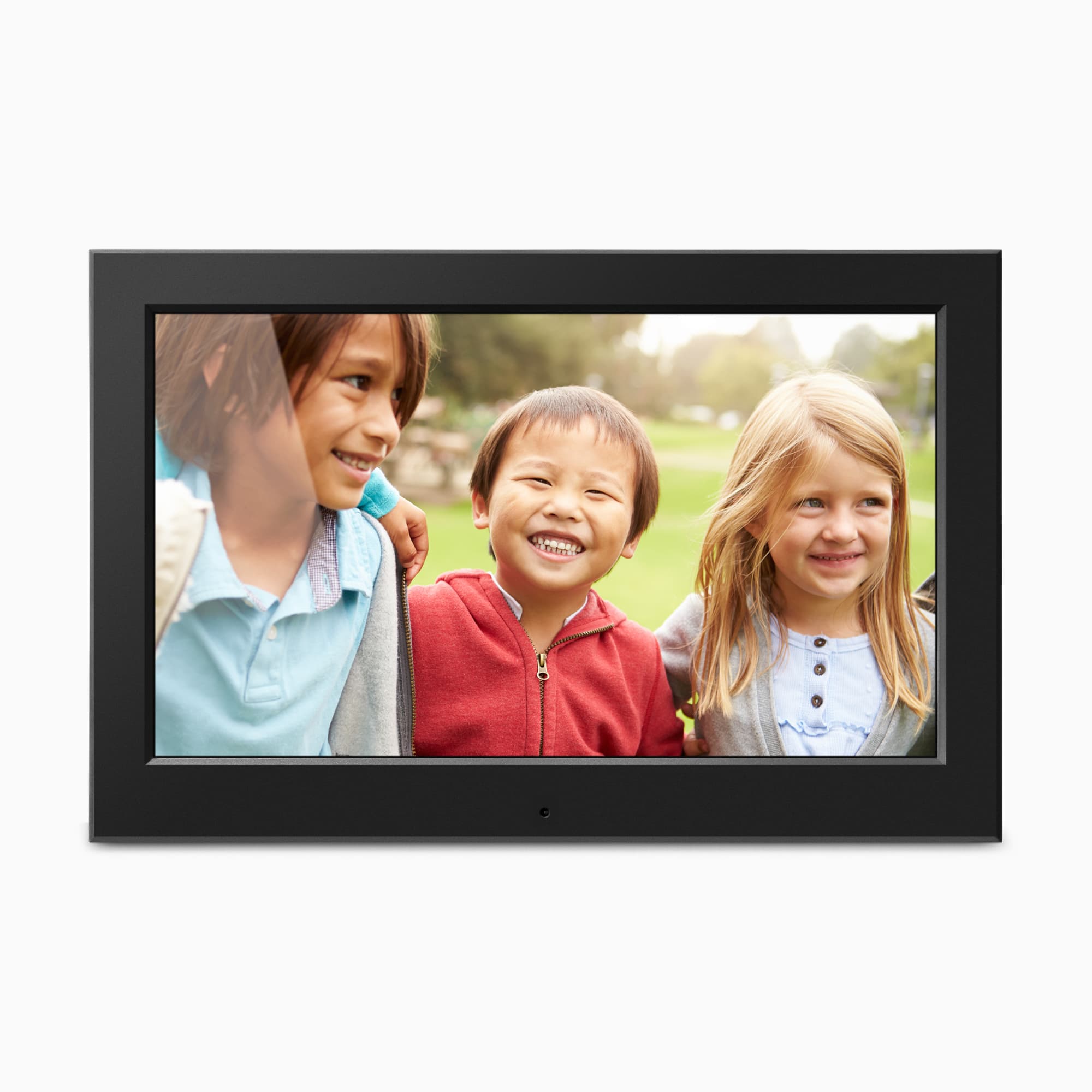
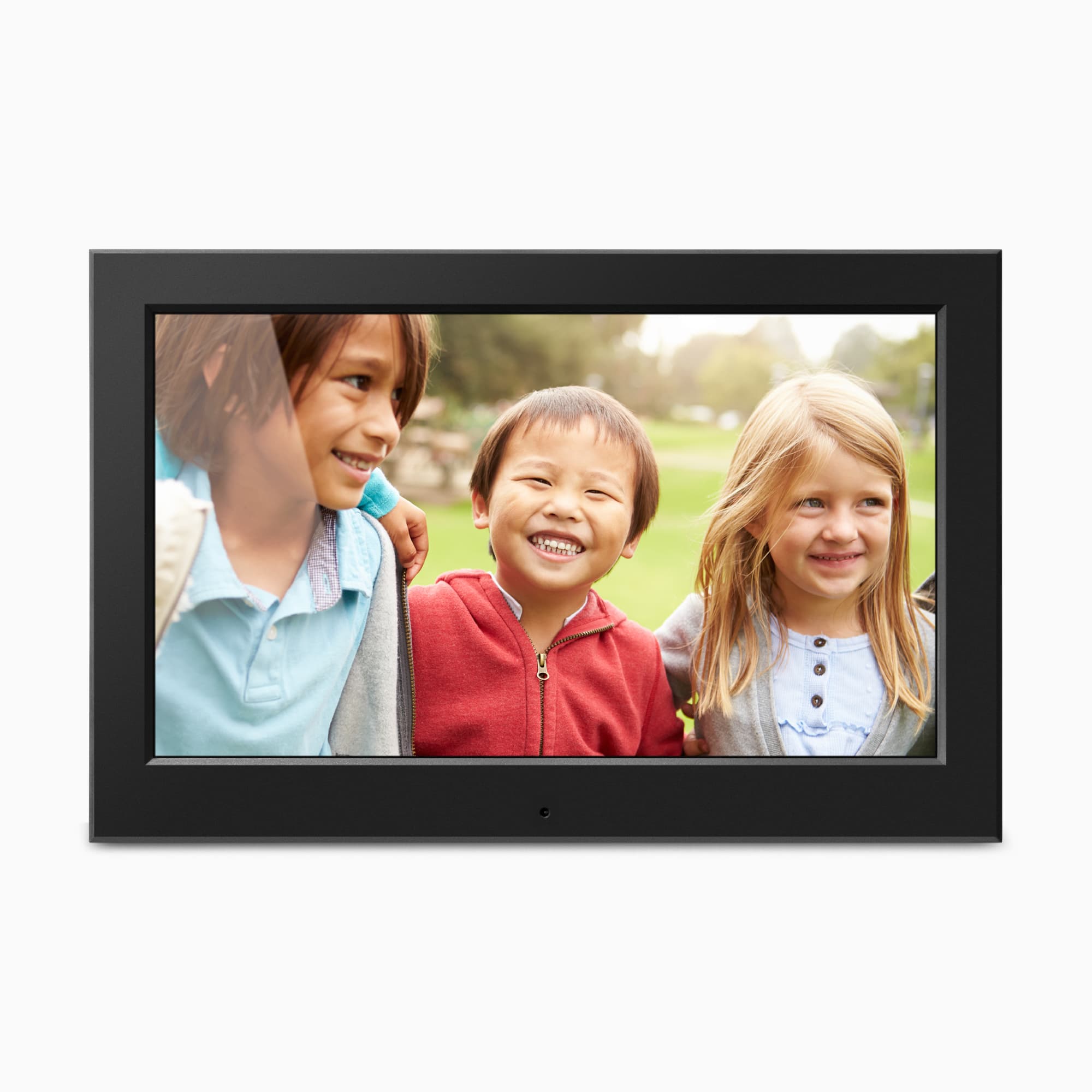
Sources: Aluratek ASDMPF09 product page, single-option product record, and M10407 English manual, all checked October 30, 2026. The exact-page image is official promotional art, not proof of delivered condition or package contents. A single exact-name CPSC retrieval query was empty; it is not comprehensive safety clearance.
Key specifications
Key details at a glance
| Display | 10-inch TFT true-color LCD per the exact U.S. page; the same-code M10407 manual labels the screen 10-inch LCD. |
|---|---|
| Display diagonal | 10 in |
| Aspect ratio | Aluratek labels the display 16:9, but its listed 1024 x 600 pixel dimensions do not equal 16:9; unresolved source claim, not a verified pixel ratio. |
| Supported orientations | landscape |
| Wi-Fi required | No |
| Required frame subscription | No |
| Listed frame dimensions | 10 x 2 x 6.625 in (25.4 x 5 x 17 cm), as listed by Aluratek without identifying axis order or a stand-inclusive footprint. |
Use the exact model’s instructions for operating limits, supplied equipment and version differences.
Sources for this review
Sources for this assessment
- Aluratek exact U.S. ASDMPF09 product page
- Aluratek ASDMPF09 single-option Shopify product record
- Aluratek exact-code ASDMPF09 M10407 English instructional manual linked from the product page; copyright 2016
- Aluratek exact-page ASDMPF09 main promotional image
- U.S. CPSC exact-name ASDMPF09 recall retrieval query; one narrow request returned an empty JSON array
Check the frame against your actual setup
Compare orientation, connection needs and placement before choosing a model.