
Your needs, this model
Does it fit your priorities?
Can this small frame be placed vertically for portrait photos?
Aluratek's exact AWDMPF8BB page says the frame is adjustable for vertical orientation, so portrait placement is documented alongside the landscape main image. The source does not say the image changes orientation automatically; check how the exact stand supports the intended shelf or wall position.
Explore this need in the finder →Can relatives send new photos without a required frame subscription?
Aluratek describes remote sharing through a smartphone app over an internet connection and states that no subscription is required. Its page-linked manual describes Wi-Fi, an app account and frame binding; treat older Facebook, Twitter and email references as unverified current services and confirm app support before gifting.
Explore this need in the finder →Does the local USB/card list prove that it will run without internet?
No. The product page lists USB, SD-family media and built-in memory, but the page-linked manual starts setup by connecting to Wi-Fi and does not explicitly confirm offline first setup or every local-display step. The local route is real; internet independence is not established for this configuration.
Explore this need in the finder →The AWDMPF8BB is Aluratek’s small, white, touchscreen Wi-Fi frame: an 8-inch 4:3 panel with a current maker-listed 16GB of internal storage, physical vertical placement and app-based remote sharing. Its strongest case is a compact shared display when Wi-Fi and mains power are available. The local card and USB choices are useful, but the available instructions do not settle complete offline setup or display.
A compact 4:3 panel with a vertical-placement claim
Aluratek identifies the exact U.S. model as AWDMPF8BB and names an 8-inch IPS LCD touchscreen, 1024 × 768 resolution and 4:3 ratio. The front page describes an icon-based touch interface, while its product details list speakers, video and audio support, a clock, calendar, weather and alarm functions, plus an automatic on/off timer. These are maker specifications, not observations from a device or independent display tests. The 8-inch diagonal is a panel measurement; it does not tell you whether the outside case and stand fit a particular shelf or how readable a photo will be from across a room.
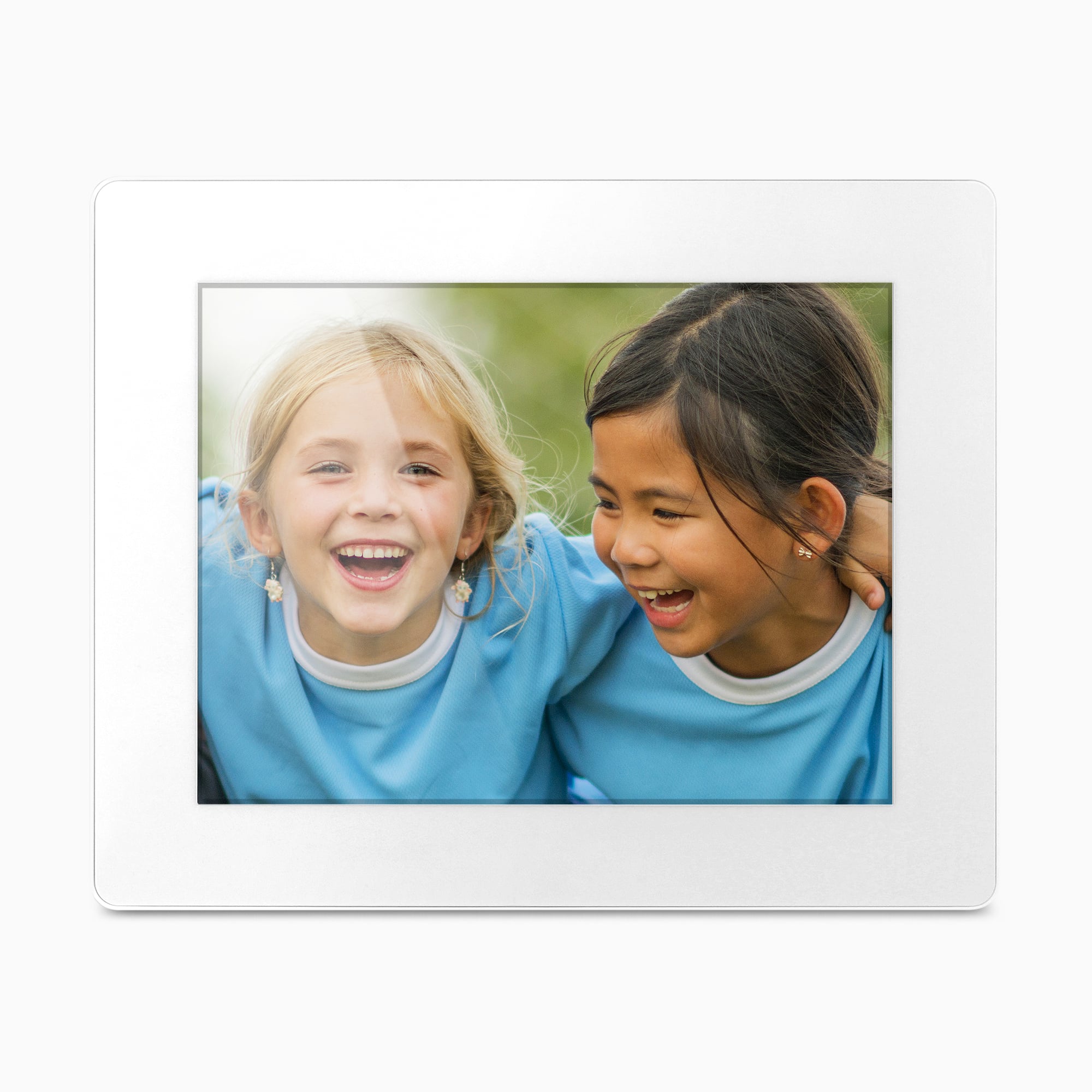
The exact page says that the frame can be adjusted for vertical orientation, and its main product image shows a horizontal arrangement. That supports both landscape and portrait placement as a documented choice, but it does not say that the frame senses rotation or changes a photo automatically. If family photos arrive in both shapes, confirm how the included stand sits in the vertical position and how images are cropped or letterboxed in the frame’s menus. A digital rotation or portrait photograph is not the same as physical portrait placement.
Remote sharing is connected, and the setup needs a closer check
Aluratek’s current page describes photo and video sharing from a smartphone app over an internet connection and says no subscription is required. Its page-linked 2019 family manual identifies an “Aluratek Smart Frame” app workflow, including an account, Wi-Fi setup and binding the frame to the account. That is enough to distinguish a remote-contributor arrangement from a frame that only plays a card at the display, but not enough to promise that the named app still works with every current phone or that the service will remain unchanged. The same product page advertises email and Facebook/Twitter messaging, and the older family instructions describe these routes; current support for those legacy integrations is not verified. Confirm the app and contributor process before choosing this as a gift for relatives who will send pictures from elsewhere.
The manual also makes the apparent “no setup” language on the product page worth unpacking: its instructions begin by connecting the frame to Wi-Fi and later walk through account creation and frame binding. Touchscreen browsing may not need a computer program, but remote sharing is not a no-account or no-network task. The maker’s no-subscription statement addresses a recurring frame-service fee only; it does not include internet service, a retailer membership, optional app tiers or future policy changes.
Local inputs are useful, but they do not settle offline use
The maker lists 16GB of built-in memory, USB 2.0, USB-flash-drive viewing and SD, SDHC and SDXC cards. Its page-linked 2019 family manual assigns 16GB to the 8-inch/10-inch group and shows USB and SD/SDHC access. The listed card family is therefore not perfectly aligned across the page and its broader manual: the exact page names SDXC, while the manual diagrams show SD/SDHC only. No maximum card capacity, supported filesystem, user-available internal space or complete list of file formats is established.
There is a second workflow detail to check. Aluratek’s product page describes transferring files from a PC or Mac over USB 2.0; the linked family manual’s computer-transfer instructions instead use an FTP address and put the frame and computer on the same network. Both point to nearby ways of loading content, but the documents do not explain whether the exact AWDMPF8BB uses both procedures or whether one applies to another family revision. The frame also lists local memory and removable media, yet its linked instructions start with Wi-Fi setup and do not clearly promise first-time setup or complete local viewing without internet. I would not recommend it when a verified internet-independent update path is essential. For a frame whose reviewed guide explicitly documents USB/SD pictures without Wi-Fi, compare the different 8-inch ASHDPWM8S; it has its own app, memory and rotation details, so it is not a renamed version of this SKU.
Power, package and placement
This is a corded frame. The exact page’s included-box panel lists a power adapter, USB cable, frame stand and instructional manual, and the linked family manual says to connect the adapter to an AC outlet. Aluratek also calls the frame wall-mountable, but the page does not identify the wall pattern, screw requirements or included mounting hardware. These are maker-listed box contents rather than an inspection of a delivered unit; verify the exact model code and adapter, stand, USB cable and any wall parts in a seller’s package. The listed body dimensions are 8.5 × 1 × 7 inches, but the manufacturer does not name the axes, so do not use that sequence as a guaranteed shelf footprint or wall-clearance drawing.
Who should consider the AWDMPF8BB?
It is a plausible fit when you want a small white display, prefer touch controls, need vertical as well as horizontal placement, can keep a mains outlet and Wi-Fi nearby, and want remote app sharing without a required subscription according to the current manufacturer page. The convenience story is strongest if contributors can use the confirmed app and the exact stand orientation works for the intended spot. The product page showed the model in stock on October 31, 2026; that is a dated observation of Aluratek’s U.S. storefront, not a guarantee about future stock or any other seller.
Look elsewhere or seek clarification if offline startup, known app support, automatic orientation changes, anti-glare treatment, an SDXC card ceiling or specific wall hardware is a hard requirement. The current 16GB specification is a manufacturer claim; the exact user capacity and any older same-code product revision have not been independently resolved. As with every frame in this library, no hands-on use, testing, ownership, measured performance or customer experience is claimed.
Key specifications
Key details at a glance
| Display | 8-inch IPS LCD touchscreen (Aluratek listing) |
|---|---|
| Display diagonal | 8 in |
| Aspect ratio | 4:3 |
| Supported orientations | landscape / portrait |
| Wi-Fi required | Yes |
| Required frame subscription | No |
| Manufacturer storage claim | The manufacturer lists 16GB built-in memory, an 8-inch 1024 × 768 4:3 touchscreen, video/audio playback, speaker, clock, calendar, alarm, weather and an auto on/off timer. No user-available storage, exact media-codec list, card-size ceiling or playback quality was measured. |
| Listed frame dimensions | 8.5 × 1 × 7 in (21.6 × 2.5 × 17.8 cm); Aluratek does not label the three dimension axes |
| Listed weight | 1 lb |
Use the exact model’s instructions for operating limits, supplied equipment and version differences.
Sources for this review
Sources for this assessment

Check the frame against your actual setup
Compare orientation, connection needs and placement before choosing a model.