
Your needs, this model
Does it fit your priorities?
Can a relative in another home send photos to ASHDPF10F?
Aluratek's exact page describes sending photos and videos through Frametime, and the page-linked guide documents Wi-Fi setup, app registration, uploads and sharing the device with another account. The remote path needs internet and the maker says no frame subscription is required. The exact U.S. record was unavailable on October 30, 2026, so this reviewed reference is not an active finder result.
Explore this need in the finder →Can I show a new photo if the frame has no Wi-Fi?
Yes for the local USB/SD route described by the linked Quick Start Guide: choose USB/SD from the frame menu to display pictures without connecting to Wi-Fi. That does not deliver a remote upload or verify every startup/outage screen. The exact U.S. listing was unavailable when checked; this is not a current buying match.
Explore this need in the finder →Can ASHDPF10F stand vertically, and is it glare-resistant?
The exact-page image shows horizontal presentation, but neither the page details nor the guide documents portrait stand setup or automatic rotation; no anti-glare surface is specified. Count landscape only and verify the actual stand and viewing conditions in any residual or used offer. The frame is currently a model reference, not an active finder result.
Explore this need in the finder →Which SD card can I rely on?
The exact product page's highlights mention SDXC, but its detailed and technical sections list SD/SDHC and the guide says only USB/SD without a capacity limit. No card compatibility was tested; confirm the exact model revision and card format/capacity before loading photos.
Explore this need in the finder →Scope: This is a source-based assessment of the exact U.S. Aluratek ASHDPF10F listing, its single-option SKU record, the English Quick Start Guide linked from that page, and the exact-page image. The manufacturer page said out of stock and the product record said unavailable when checked on October 30, 2026. It is retained as a reviewed model reference, not an active finder or purchase result; that dated store status does not establish whether an independent or used seller has a unit. No ownership, hands-on use, measurement or performance test is claimed.
A 10-inch frame with unresolved display copy
The exact product title identifies a 10-inch distressed-wood-look Wi-Fi touchscreen frame with 16GB of built-in memory. Aluratek repeatedly specifies 1280 × 800 pixels and a 16:10 shape, while its page calls the panel both IPS LCD and TFT true-color LCD. The one-page setup guide does not confirm the panel specification, and no sample was measured.
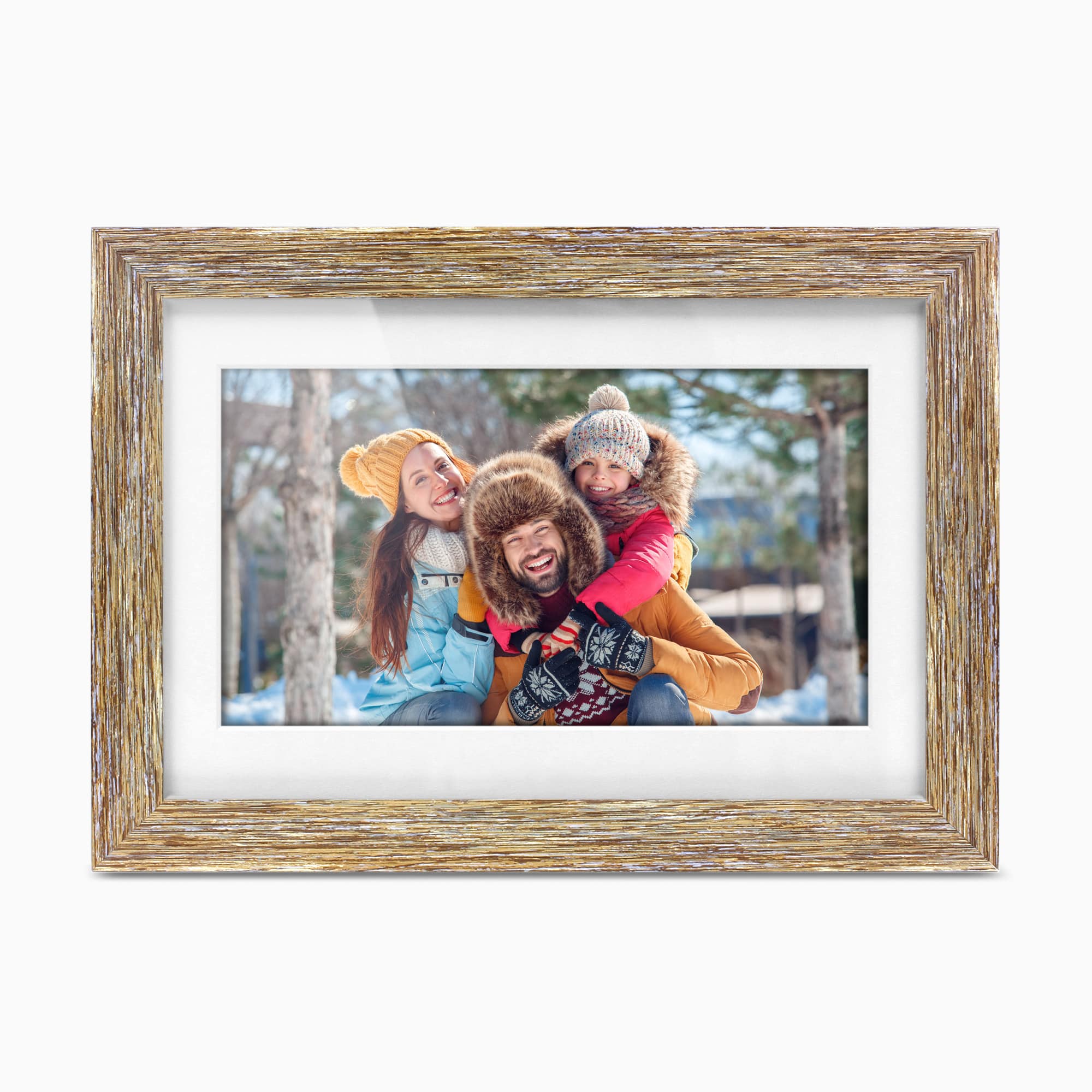
The saved exact-page image shows a horizontal frame with a pale, distressed wood-look surround and a white inner border. It is promotional art, not a photograph of a delivered item or a guide to how the stand adjusts. The manual says the package includes a stand but does not describe portrait setup, so landscape is the only placement credited here. Do not treat the app's touch interface or the frame's ability to show portrait-shaped photos as proof that the hardware can stand vertically. Anti-glare treatment and automatic rotation are not documented.
Frametime sharing has a real account and network sequence
For remote contributions, Aluratek says photos and video can be sent with its Frametime app over an internet connection, and its page says no frame subscription is required. The linked English guide gives the qualifiers: install the app, register an account, connect the frame to Wi-Fi and add it to the app before uploading. To let another person contribute, the owner shares the device with that person's app account; the guide says the contributor also needs the app and an account. It is not a direct-to-frame email route or a promise of outage uploads.
Aluratek lists 802.11 b/g/n Wi-Fi, but the checked page and guide do not establish supported bands, network security compatibility, app availability on a particular phone or future service continuity. If a recipient should never need an account, compare a local-media frame rather than assuming the app is optional for every setup path.
Local media is separate from the cloud route
The same guide explicitly notes that pictures on a USB or SD card can be displayed without connecting the frame to Wi-Fi by selecting USB/SD from the main menu. This supports a nearby person's offline photo-delivery route, while distant family members still need the connected app. The product page also says a PC or Mac can transfer data to the frame's internal memory. Aluratek lists 16GB built-in storage, but the guide does not state how much space is user-available or specify transfer steps, file limits or exact file formats.
Card compatibility needs checking before preparing a library. One page highlight mentions SD, SDHC and SDXC, but the product-detail and technical-specification sections list SD and SDHC only. The linked guide says simply “USB/SD” and supplies no card-family or capacity limit. USB flash-drive playback is described on the page, but the checked documents do not name a maximum drive size. Treat the local inputs as useful directions, not as tested compatibility with a particular card, filesystem or USB device.
Check the exact package and placement
Aluratek lists a frame stand, power adapter, USB cable and instructional manual as included items; the linked guide's own box list names the stand, adapter and USB 2.0 cable. Neither list is a check of a seller's actual box, and the page is currently out of stock. The manufacturer page calls the frame wall-mountable, but it does not identify the required bracket, VESA pattern or whether any mount hardware is supplied. Verify the exact model label, stand, adapter, cable, card slot and any desired mounting parts in the offer before relying on them. Do not assume a generic remote-icon graphic on the page means a remote control is in the box.
Aluratek lists outside dimensions of 14.75 × 1.25 × 10 inches without naming the axis order. The accompanying 37.5 × 3.2 × 25.4 cm values are broadly consistent conversions, but neither set specifies whether it includes the stand. The page lists a 2-pound weight while the one-option product record carries a separate 726-gram variant weight with no indication whether it is shipping or product weight. Neither value has been independently measured; ask the seller about footprint, stand depth and delivered weight if they matter to a shelf or mount.
Who should compare it—and why it is not a current pick
On paper, ASHDPF10F combines a 10-inch landscape touchscreen, app-based family sharing, local USB/SD playback and a listed 16GB memory. That mix may suit someone comparing a connected frame with the option of nearby media, but the source material leaves display, card and package caveats that should be resolved against the exact offer. The Aluratek ASHDPWM10S is a separately reviewed 10-inch Wi-Fi model with its own feature evidence; its configuration should not be substituted for ASHDPF10F. The ASHDPWM8S is another distinct model, not a finish or size variant of this SKU.
Because the exact U.S. record was unavailable on the observation date and no current seller package was verified, this assessment does not route to a buying page or credit ASHDPF10F as an active finder match. That is a scope and evidence limit, not a claim that no secondhand unit exists. If one appears, confirm the code, resolution, SD/SDHC support, adapter, stand, seller condition and return terms. A narrow exact-name CPSC lookup returned no result; that is not exhaustive safety screening or a safety clearance.
Primary references: Aluratek's ASHDPF10F U.S. product page, its one-option SKU record, and the English Quick Start Guide linked from that page.
Key specifications
Key details at a glance
| Display | Aluratek's exact page calls the 10-inch screen IPS LCD in its highlights and TFT true-color LCD in its technical details; the linked Quick Start Guide does not reconcile those labels. |
|---|---|
| Display diagonal | 10 in |
| Aspect ratio | 16:10 |
| Supported orientations | landscape |
| Required frame subscription | No |
| Manufacturer storage claim | The exact U.S. product page lists 16GB built-in memory and says a PC or Mac can transfer files to it; it does not state free user space or a photo-count limit. |
| Listed frame dimensions | 14.75 × 1.25 × 10 inches (37.5 × 3.2 × 25.4 cm), as listed on the exact page; axis order and stand inclusion are not stated. |
Use the exact model’s instructions for operating limits, supplied equipment and version differences.
Sources for this review
Sources for this assessment
- Aluratek exact U.S. ASHDPF10F product page
- Aluratek ASHDPF10F single-option Shopify product record
- One-page English WiFi Frame / Frametime Quick Start Guide linked from exact ASHDPF10F page; PDF filename labels model but body does not print ASHDPF10F
- U.S. CPSC Recall Retrieval API exact-name ASHDPF10F query; one narrow request returned an empty JSON array
- Aluratek ASHDPF10F exact-page main product image

Check the frame against your actual setup
Compare orientation, connection needs and placement before choosing a model.