
Your needs, this model
Does it fit your priorities?
Can the frame be used vertically for portrait photos?
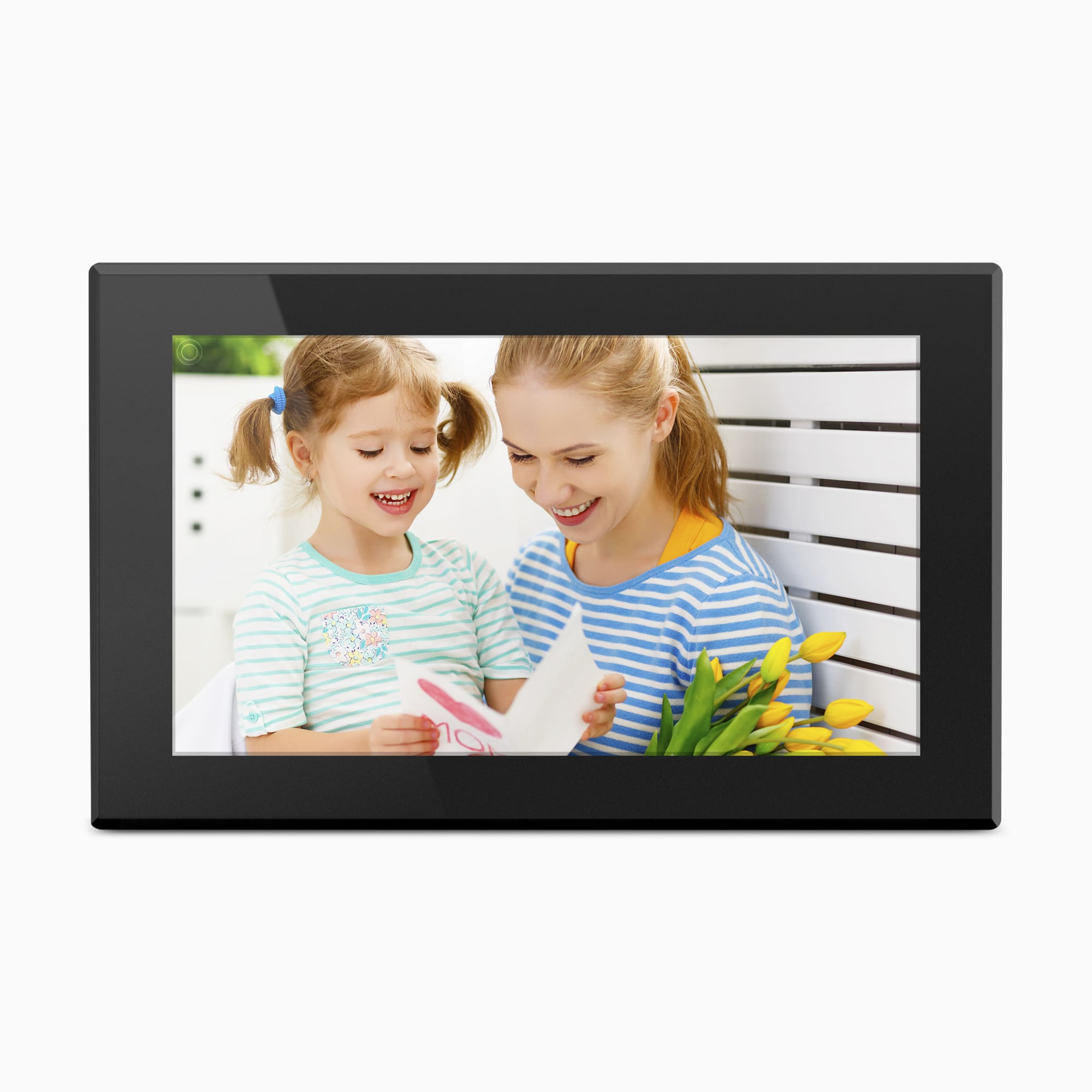
Aluratek's exact AWS15F page FAQ says the frame can be mounted in portrait or landscape. That supports a portrait mounting arrangement, not automatic rotation or a portrait-capable tabletop stand: the main product image is horizontal and the included-box panel does not list mounting parts. Confirm the exact stand or VESA hardware and how portrait content is oriented before choosing a shelf or wall location.
Explore this need in the finder →Can relatives send pictures remotely without paying a required frame subscription?
The exact product page advertises remote smartphone-app sharing over the Internet and says no subscription is required. The 2019 model manual describes an account and frame binding, and the current page-linked generic guide also describes account setup. This is not an offline route or a promise that the older Facebook/Twitter integrations named on the page remain available.
Explore this need in the finder →Does the evidence establish receiving or displaying new photos without Internet?
No. Aluratek lists internal memory and removable USB/SD media, but its exact-model manual begins by connecting to Wi-Fi and does not explicitly promise first-time setup and local playback during an outage. A nearby card or computer is a documented local route, not proof of fully Internet-independent startup and display; this model is not treated as a confirmed match for that requirement.
Explore this need in the finder →The Aluratek AWS15F is a mains-powered photo frame with a 15.6-inch IPS touchscreen, manufacturer-listed 1920 × 1080 display, 16GB internal memory, Wi-Fi sharing and local USB/card routes. Its exact U.S. page says no app-sharing subscription is required and that the frame can be wall-mounted in portrait or landscape. The older manual bridge, package differences and unverified offline behavior make this a source-based assessment, not a hands-on review.
A 15.6-inch panel for a larger viewing area
The model title and product details identify AWS15F as a 15.6-inch Wi-Fi frame. Aluratek lists an IPS LCD touchscreen at 1920 × 1080 with a 16:9 ratio; a Highlights heading abbreviates the screen size to 15 inches. The exact-size 2019 manual also identifies a 15.6-inch IPS panel. The diagonal is not the outside footprint or a promise of readability from every distance.
The maker lists 16.5 × 0.75 × 10.125 inches and 52.4 ounces without labeling the dimension axes. Use these as planning clues, not a shelf diagram or actual measurements. Cropping depends on the image and playback setting; brightness, glare and touch response were not tested.
Portrait mounting is claimed; stand behavior is not
The exact AWS15F page FAQ says it can be mounted in portrait or landscape. That is useful evidence for a vertical wall arrangement, but it does not say that the tabletop stand rotates, that portrait mode is automatic, or that portrait pictures are reframed in a particular way. The official main image shows the frame horizontally. If the display will sit on a counter rather than a wall, verify the stand's supported direction and stability for the exact package instead of transferring the mounting FAQ to tabletop use.
The page calls the frame wall-mountable and says it comes with a VESA mount. The FAQ specifically discusses portrait and landscape wall mounting, but the included-in-box list names only a power adapter, USB cable and manual. The 2019 Aluratek manual's package list instead names a USB cable, adapter, frame stand, manual and quick-start guide, and its diagram identifies wall-mount features. These lists do not establish which bracket, screws, stand or cable a current seller will supply. Confirm those exact parts and the required wall attachment before planning an installation.
Remote sharing needs a network and account setup
The current page describes remote smartphone-app sharing over the Internet, lists Wi-Fi 802.11 b/g/n, and says no subscription is required. The product-specific 2019 manual describes an Aluratek Smart Frame account and binding. The page-linked 2023 quick-start and 2024 guide give generic Wi-Fi-frame setup instructions, not AWS15F-specific steps.
The exact page and 2019 manual also mention Facebook and Twitter, while Aluratek's current linked 2024 guide is titled without those services and centers on app/email sharing. Their availability today is not established. No-subscription does not remove app, account, Wi-Fi or Internet requirements, or promise future service terms.
The same page's FAQ says there is no cloud storage and that photos are stored on the frame's internal memory. That makes the 16GB local capacity especially important: it is a nominal manufacturer claim, not measured free space, a cloud backup or a fixed number of images. Keep originals elsewhere and confirm how the current app delivers photos before relying on the frame as a household archive.
Local media is documented, but offline use is not settled
Aluratek lists viewing from a USB flash drive and SD, SDHC or SDXC cards, plus transfer from a PC or Mac to the internal memory over USB 2.0. The older AWS15F manual describes USB hard-drive or flash-drive input, SD/SDHC media and computer transfer to internal memory. Its diagram distinguishes a Mini USB computer-transfer port from a USB 2.0 media port. The current page's additional SDXC claim is not repeated in that manual, and neither source provides a reliable card-capacity ceiling; check the exact card and file requirements before preparing a large library.
These local routes can reduce dependence on remote contributors, but they are not a verified promise of operation through a Wi-Fi outage. The AWS15F manual begins its setup instructions with wireless network connection, and the page-linked newer family guide does the same. The documents do not clearly guarantee first-time setup and local slideshow playback without Internet. No outage, USB, card, app or playback test was performed. If Internet-independent operation is essential, ask Aluratek about the exact model and revision or choose a model whose instructions explicitly establish the offline workflow.
Which household should compare it?
Compared with the smaller AWS210F, the AWS15F has a larger panel and older 2019 instructions; do not transfer port or stand assumptions between codes. The AWFC15F is another 15.6-inch option, but adds eCalendar features and lists 32GB memory. Compare workflows, not just diagonal.
The manufacturer's exact page and one-option AWS15F record showed an available offer on October 31, 2026; that dated storefront observation is not a promise about another seller, later stock, exact condition or package. Before ordering, match the offer to AWS15F, ask whether its app and intended sharing route remain supported, verify Internet and account expectations, and confirm the adapter, USB lead, stand and VESA pieces. For a wall display, confirm the actual mount pattern and cable path. If a portrait tabletop stand or offline playback is essential, the reviewed sources do not settle that requirement.
Sources checked October 31, 2026: Aluratek's exact AWS15F U.S. product page, its one-option product record, the exact-size 2019 Aluratek manual hosted by Best Buy, and the page-linked 2023 quick-start and 2024 family manual. The official main image is promotional artwork, not a delivered-unit photograph.
Key specifications
Key details at a glance
| Display | 15.6-inch TFT true-color IPS LCD touchscreen (Aluratek exact product details and 2019 model manual) |
|---|---|
| Display diagonal | 15.6 in |
| Aspect ratio | 16:9 |
| Supported orientations | landscape / portrait |
| Wi-Fi required | Yes |
| Required frame subscription | No |
| Manufacturer storage claim | Aluratek lists 16GB internal memory, app-delivered photos/videos, local USB/SD media, video and audio playback, clock, calendar, alarm, weather and an automatic on/off timer. Supported file formats, usable storage, service delivery and playback performance were not independently tested. |
| Listed frame dimensions | 16.5 × 0.75 × 10.125 in (manufacturer sequence; axes are not labeled) |
Use the exact model’s instructions for operating limits, supplied equipment and version differences.
Sources for this review
Sources for this assessment
- Aluratek exact AWS15F U.S. product page
- Aluratek AWS15F one-option Shopify product record
- Aluratek 2019 AWS15F English manual, hosted by Best Buy
- Aluratek page-linked 2024 Wi-Fi frame family manual; not AWS15F-specific
- Aluratek page-linked 2023 Wi-Fi frame quick-start; generic guide
- U.S. CPSC exact-name AWS15F Recall Retrieval API query
- Aluratek exact AWS15F product-page main image

Check the frame against your actual setup
Compare orientation, connection needs and placement before choosing a model.