
Your needs, this model
Does it fit your priorities?
Can the ADPF08SF receive photos without an Internet connection?
Yes, in a nearby-media workflow. Aluratek lists a USB flash drive and SD-family cards as direct photo sources; the exact-code Quick Start Guide says a slideshow starts when an SD/SDHC card is inserted and describes selecting USB or SD in the menu. The frame has no built-in memory, so someone must supply prepared media. This documents local updates, not distant uploads during an outage or a power-loss guarantee.
Explore this need in the finder →Can relatives send new ADPF08SF photos from another home?
No remote-sender route is documented on the exact U.S. page or the ADPF08SF Quick Start Guide. Their described inputs are USB and SD-family media connected at the frame; the page does not identify Wi-Fi, an app, a frame email address, cloud album or invited contributors. Its general sharing copy should not be mistaken for a verified remote workflow. Compare frames with a documented connected route if relatives need to send photos themselves.
Explore this need in the finder →Does the ADPF08SF stand support a portrait position?
Aluratek's exact product page says its frame stand is adjustable for vertical orientation, so this assessment records both landscape and portrait placement. The QSG explains setup and image-display menu choices but does not describe automatic rotation or a wall installation. Check the seller's exact stand, power-cord route and shelf clearance; the 8-inch panel diagonal is not the outside footprint.
Explore this need in the finder →Should a buyer assume the ADPF08SF includes its pictured remote control?
No. The current page's highlight says a remote control is included and the product gallery contains a remote image, but its itemized Included in the Box list names only a frame stand, power adapter and Quick Start Guide. The exact-code 2021 QSG also lists the stand and adapter and describes button controls on the frame. Ask the seller to confirm the actual package if a remote matters; promotional imagery is not a package inspection.
Explore this need in the finder →A local-photo frame, not a connected family-sharing display
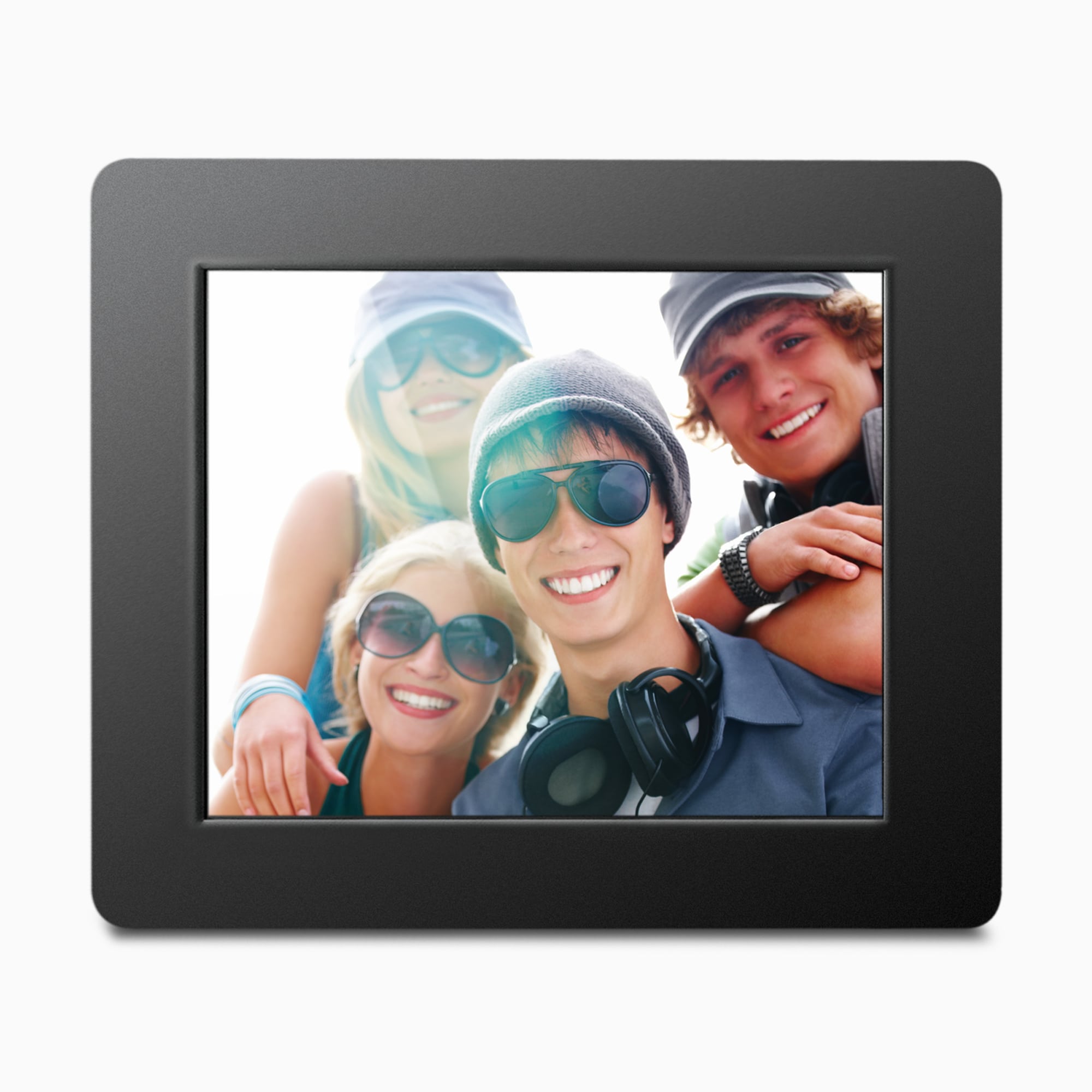
The ADPF08SF is easiest to understand as a small, mains-powered screen for photos prepared on USB or SD-family media. Aluratek's current U.S. page identifies an 8-inch TFT true-color LCD at 800 x 600 pixels in a 4:3 ratio, starts the slideshow automatically, and says the frame supports photos only. It has no built-in memory. That is a narrower job than remote family sharing: the exact page and the model-code Quick Start Guide describe media connected at the frame, not an app, Wi-Fi, email address or cloud album.
The page's broad copy about sharing pictures with family should be read beside its specific input list. The documented route is a USB flash drive or an SD-family card; the exact-code guide says to insert an SD/SDHC card or choose USB in the menu. A family member can contribute by preparing that media, but the sources do not establish that a relative in another home can send files directly. This distinction matters if the frame is meant to update itself after a gift recipient unpacks it.
Aluratek lists SD, SDHC and SDXC cards up to 32GB on the current page. Its linked 2021 Quick Start Guide, which prints ADPF08SF, names SD/SDHC instead and does not state a capacity. Treat 32GB and SDXC as current-page claims rather than tested compatibility. The page also says a USB hard drive needs its own power adapter. The exact box list names neither a card nor a flash drive, so plan to supply the media separately.
The panel size is not the outer footprint
The 8-inch diagonal and 800 x 600 resolution describe the active display, not the bezel or the clearance needed behind the stand. Aluratek lists overall dimensions as 8.5 x 1 x 7 inches and provides metric figures, but does not assign width, height and depth to those axes. It also lists one pound (16 ounces); the Shopify product record has a separate 748-gram variant-weight value without saying whether that is shipping or product weight. Those are not comparable measurements, and this assessment does not use the record field to rewrite the page specification. For a shelf or mounting spot, verify the actual unit's outside dimensions and stand projection rather than treating the panel diagonal as a fit measurement.
The 4:3 shape may be a practical starting point for a photo library with many similarly proportioned images, but the sources do not promise how every phone portrait or panoramic picture will be cropped. The Quick Start Guide describes a Display Mode and Display Ratio menu, plus slideshow timing, repeat and transition choices. It does not give a complete crop-versus-fit explanation. If preserving the whole composition matters, test a few representative files on the exact seller's unit before relying on the display mode. No brightness, color accuracy, viewing angle or image-quality test was performed for this assessment.
Portrait placement is a maker claim, not automatic rotation
The product page says the frame stand is adjustable for vertical orientation, while the guide and the official main image show a conventional stand and landscape view. That supports listing both portrait and landscape positions as documented options; it does not establish automatic rotation of the content or confirm every used package has the same stand. The maker also calls the frame wall-mountable, but its itemized box list and linked guide do not identify wall-mount hardware, a mounting pattern or installation instructions. Confirm the exact support and hardware with the seller before drilling or planning a permanent installation.
The Quick Start Guide begins by plugging in the power adapter. The current page lists the adapter and frame stand in the box, so the documented arrangement is mains-powered rather than cordless. It has no rechargeable-battery mode in the reviewed material. The listed display settings include brightness, contrast and saturation controls, but those menu entries are not a claim that the panel is glare-resistant or suitable for direct sun; anti-glare treatment is not specified.
Confirm the remote-control package before relying on it
There is a small but useful package ambiguity. The current page's Easy to Use highlight says that a remote control is included, and the product gallery has a separate promotional remote image. Yet the same page's Included in the Box list names only the stand, power adapter and Quick Start Guide. The linked one-page guide's package section names the stand and adapter, and its product drawing identifies menu, directional and power buttons on the frame. Because that guide is dated 2021 and the page's itemized list may not cover every package revision, the evidence does not prove that no seller includes a remote. It does mean a buyer who needs one should get an exact-package confirmation rather than rely on the promotional image.
Who this arrangement may suit—and who should compare alternatives
This model is a plausible fit when someone will prepare a card or flash drive, the recipient can connect the supplied adapter, and an 8-inch display is adequate for the planned viewing distance. The no-internal-memory design keeps the content route simple but makes the external media part of everyday use. The manufacturer describes several photo slideshow and transition settings; the source set does not establish broad video or music playback, and the page explicitly says photos only.
If relatives need to add pictures over Wi-Fi from another home, compare the distinct 8-inch Aluratek ASHDPWM8S, whose reviewed sources document a Frametime app route as well as local media. It is a different model and connected workflow, not evidence that ADPF08SF has the same features. For a larger local-media screen, see ADMPF214FB or ADMPF315F, but those have their own package or specification limitations. The finder separates local delivery from remote sharing, orientation and size so a convenient USB/card path is not mistaken for a connected one.
Assessment limits
The exact manufacturer page showed “In stock, ready to ship” on 2026-10-30; store status is a dated observation, not a promise of future stock or a particular third-party seller's condition. This article relies on Aluratek's U.S. product page, its one-option ADPF08SF record, the page-linked exact-code Quick Start Guide and official promotional image. A single narrow CPSC exact-name recall query returned an empty array; that is not an exhaustive safety search. The frame was not purchased, owned, measured or tested. No rating, customer experience, price, network performance or media-compatibility test is claimed.
Key specifications
Key details at a glance
| Display | 8-inch TFT true-color LCD, per Aluratek's exact U.S. product page |
|---|---|
| Display diagonal | 8 in |
| Aspect ratio | 4:3 |
| Supported orientations | landscape / portrait |
| Wi-Fi required | No |
| Required frame subscription | No |
| Listed frame dimensions | 8.5 x 1 x 7 in. (21.6 x 2.5 x 17.8 cm), manufacturer-listed without axis labels |
| Listed weight | 1 lb |
Use the exact model’s instructions for operating limits, supplied equipment and version differences.
Sources for this review
Sources for this assessment
- Aluratek ADPF08SF exact U.S. product page
- Aluratek ADPF08SF one-option Shopify product record
- English Quick Start Guide linked from the exact ADPF08SF page; the one-page 2021 guide prints model ADPF08SF
- Aluratek ADPF08SF exact-page main promotional image
- U.S. CPSC exact-name ADPF08SF Recalls API query; one narrow query returned an empty array

Check the frame against your actual setup
Compare orientation, connection needs and placement before choosing a model.